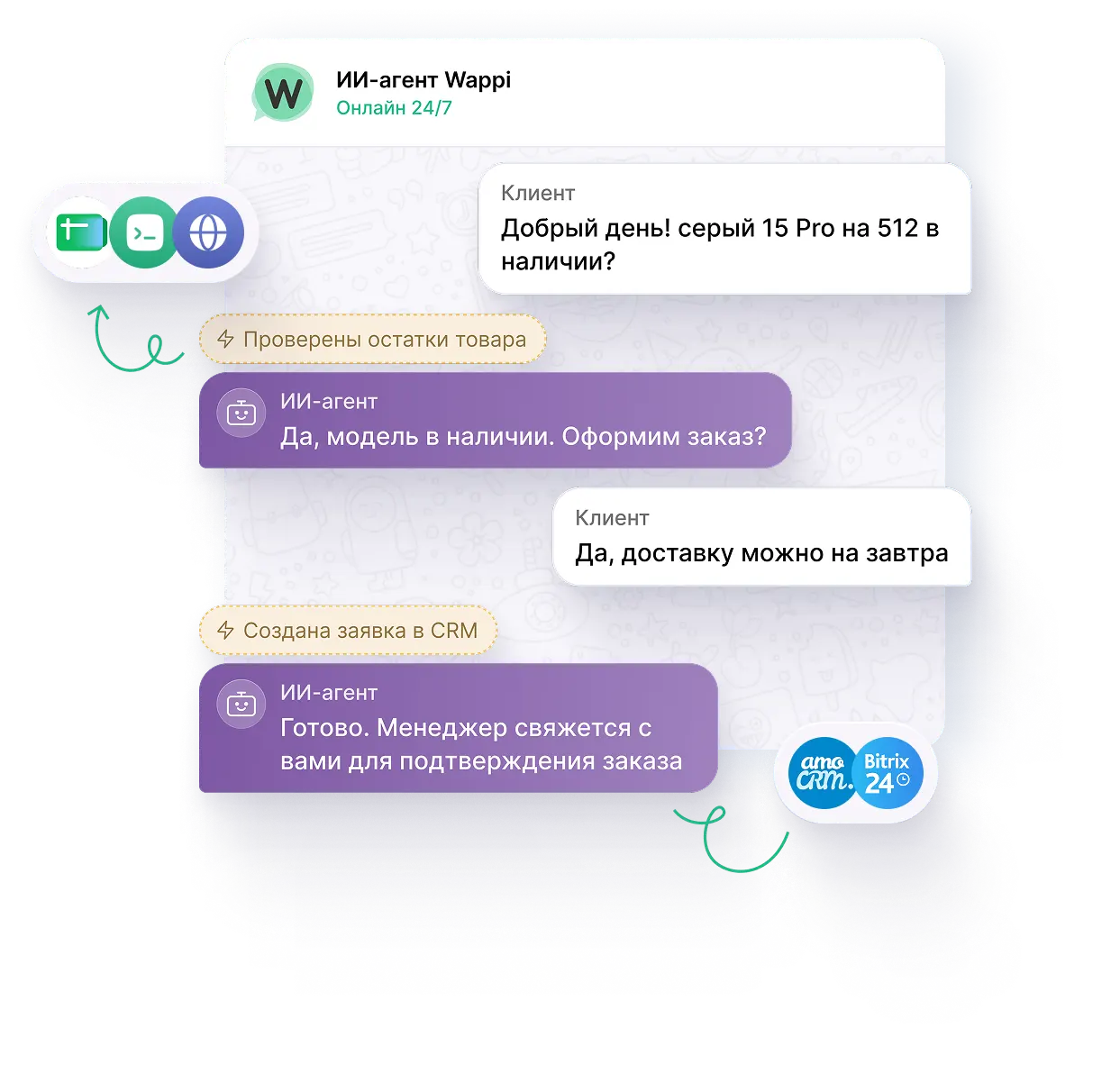
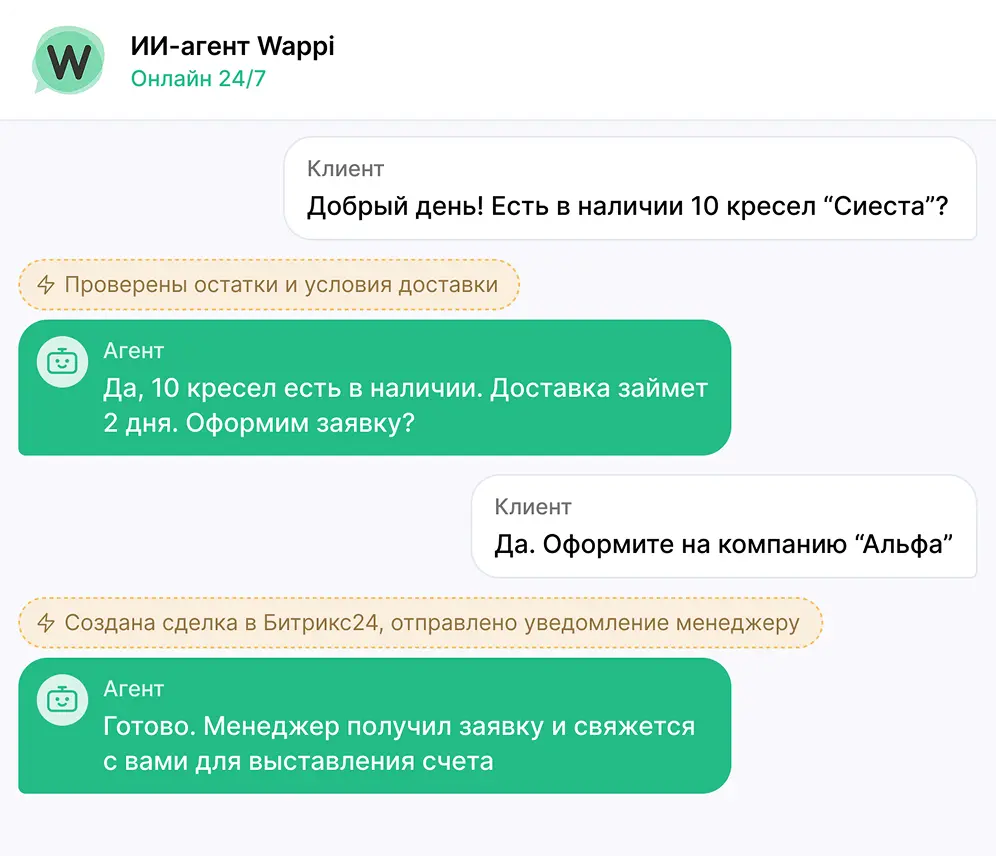
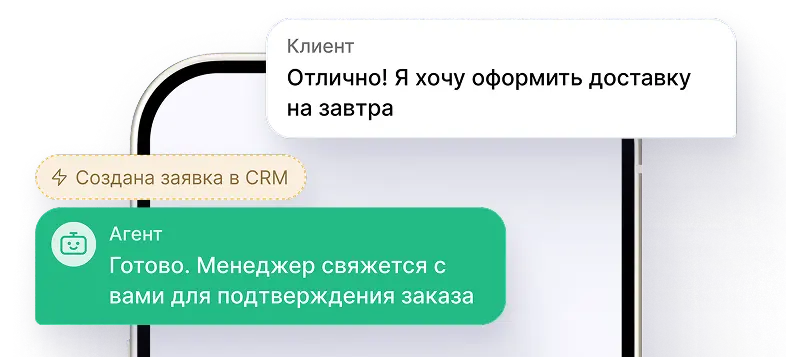
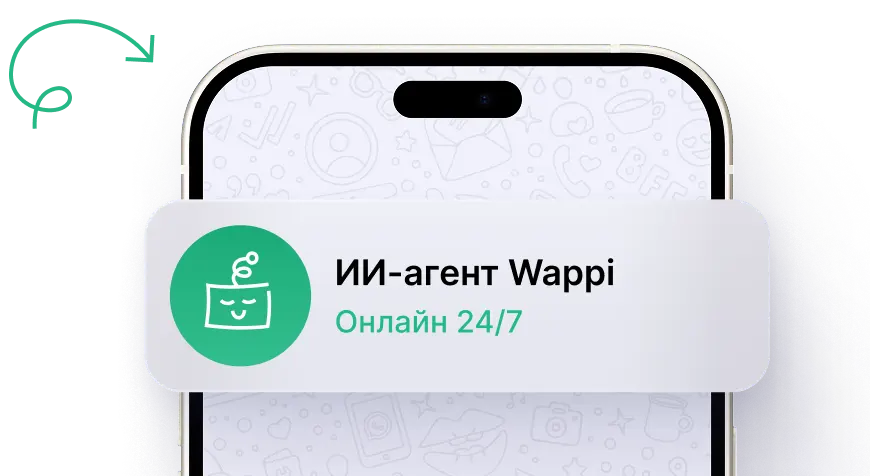
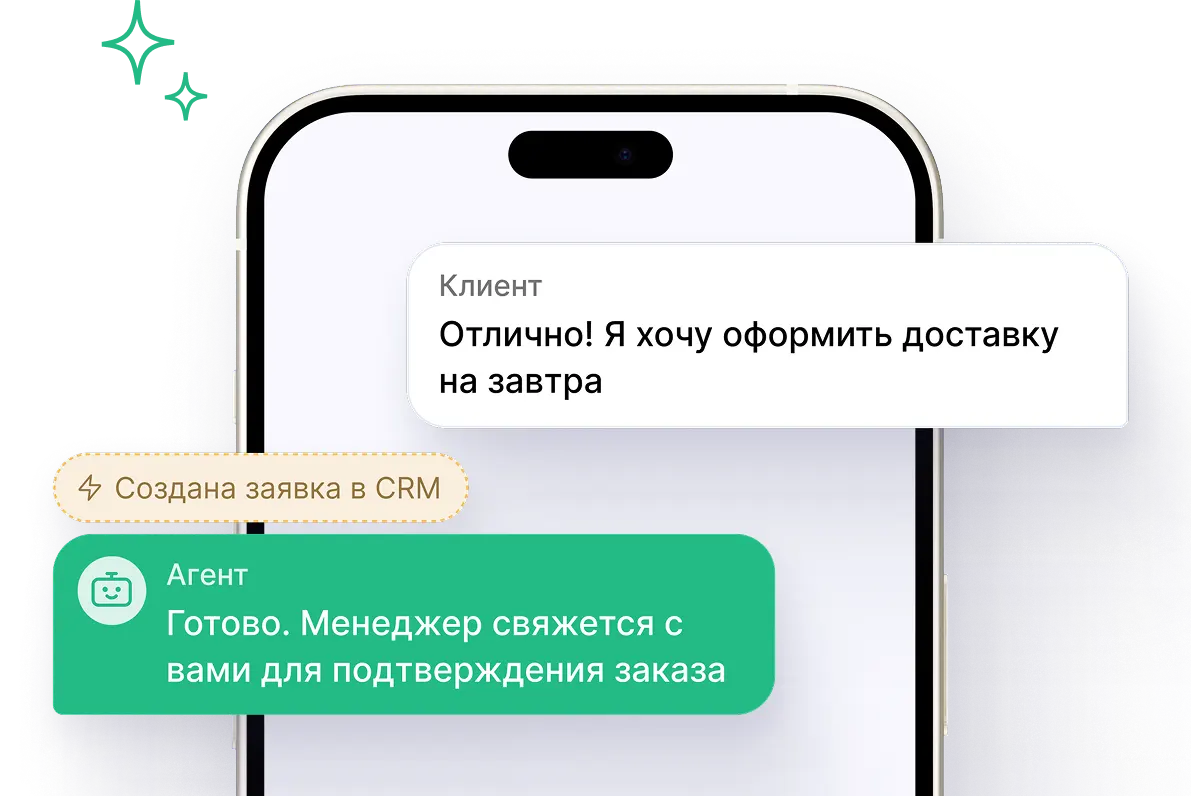
Answers questions, suggests an offer, and sends a ready lead to CRM.
- Clarifies needs and collects contacts
- Checks prices, terms, and availability
- Creates a deal and notifies a manager

Automate sales, support, and business processes in messengers. Chatbots reply 24/7, use your data, and complete tasks.
5 days free
How AI chatbot works
Guides a client from the first message to the result

Receives
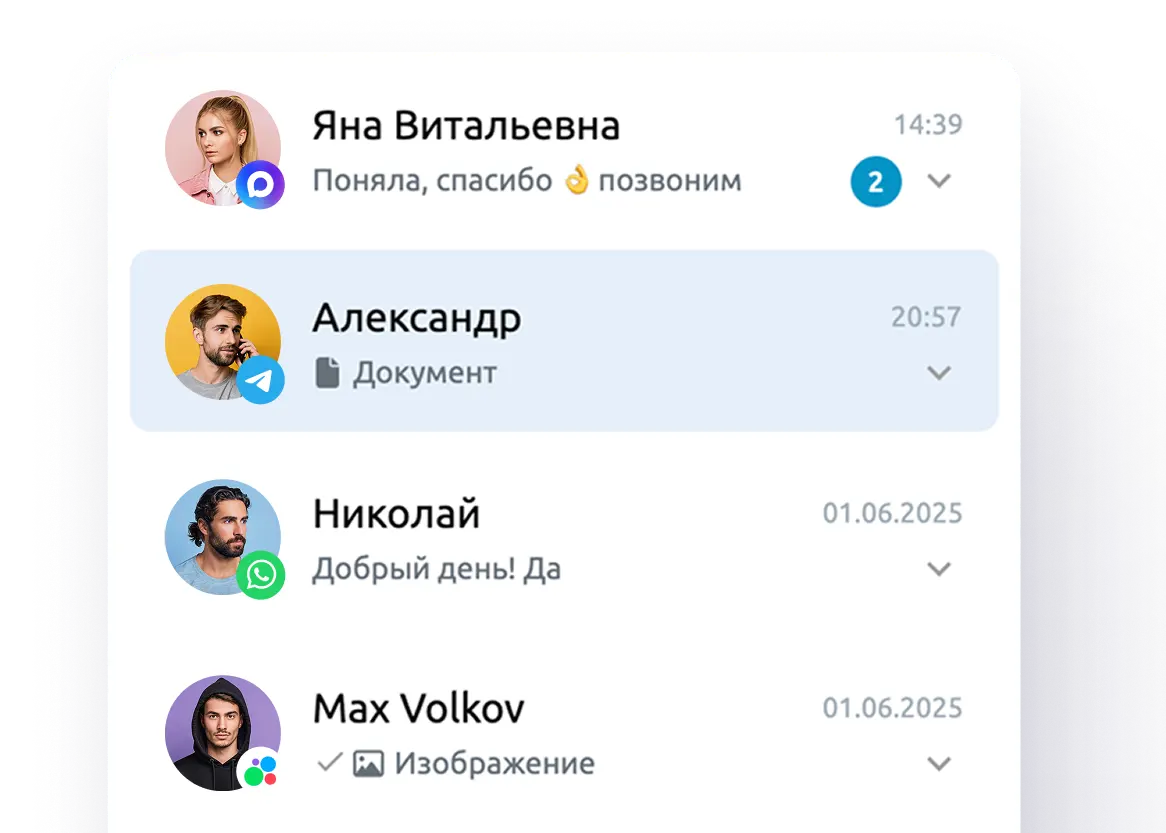
Accepts messages from messengers, social networks, and other channels in any format, 24/7

Responds
Communicates like an employee. Keeps a natural dialogue and gives accurate answers based on your current business data

Acts
Executes tasks — checks data, creates requests, opens deals, and performs actions in connected systems

Handover
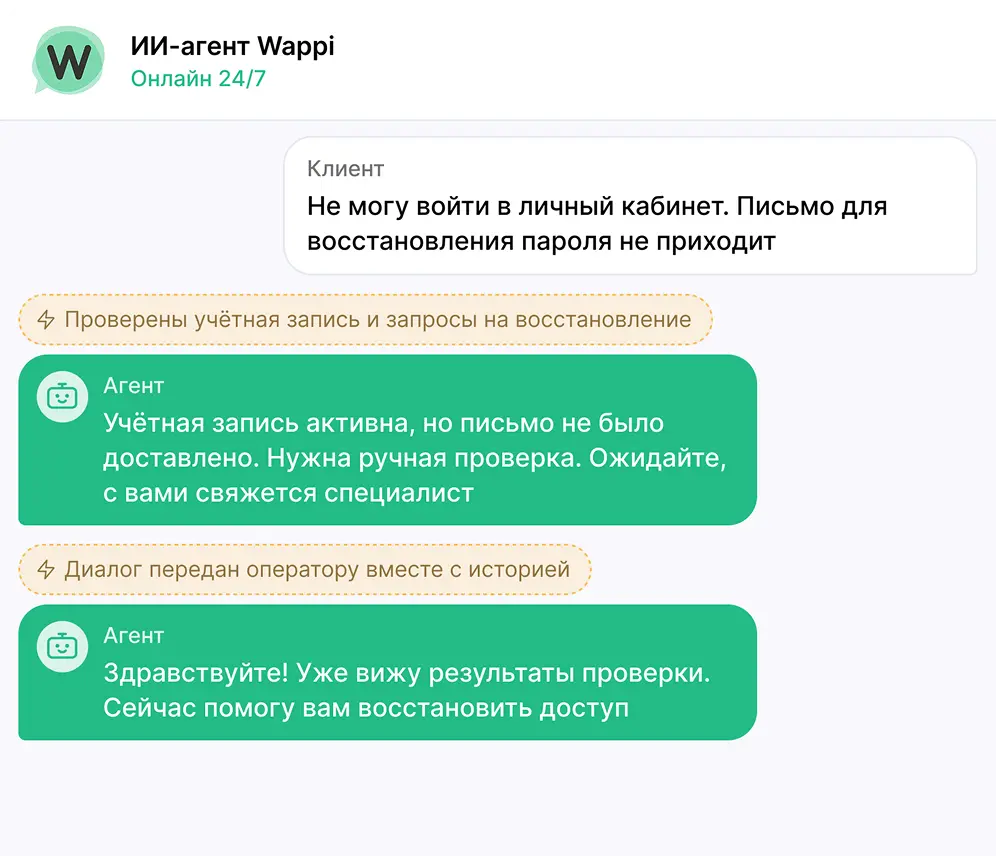
Involves a human when needed. Transfers the dialogue to an operator with full history and collected context
Usage scenarios
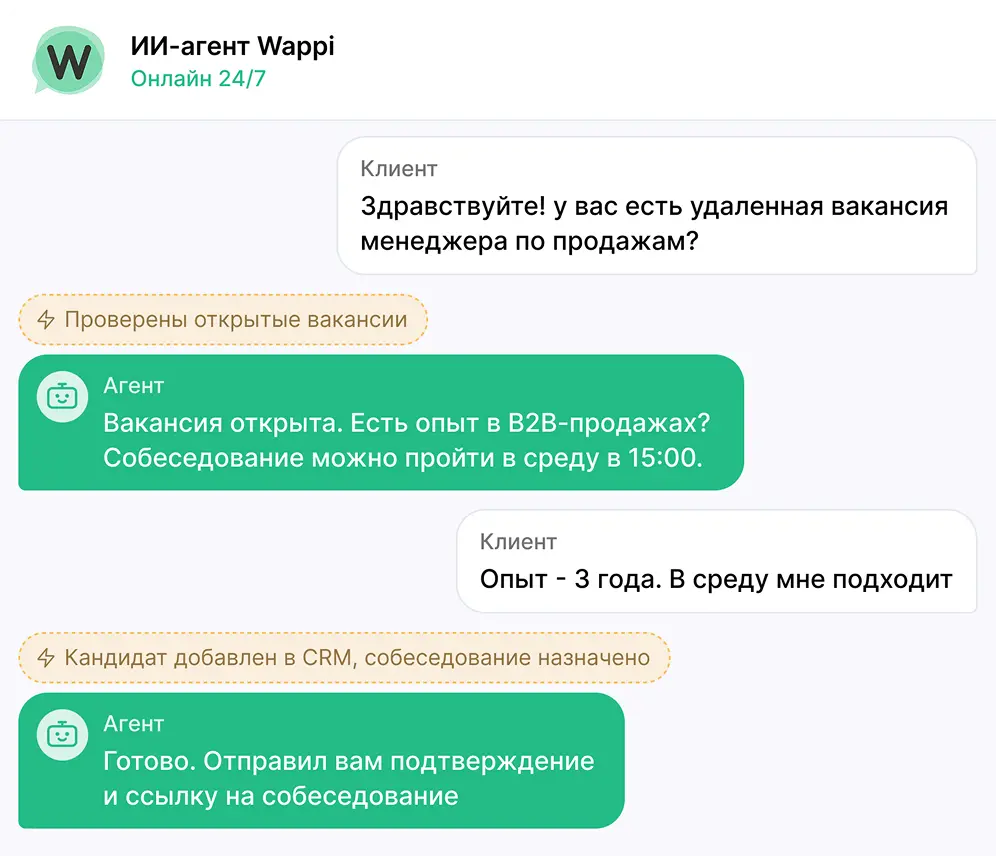
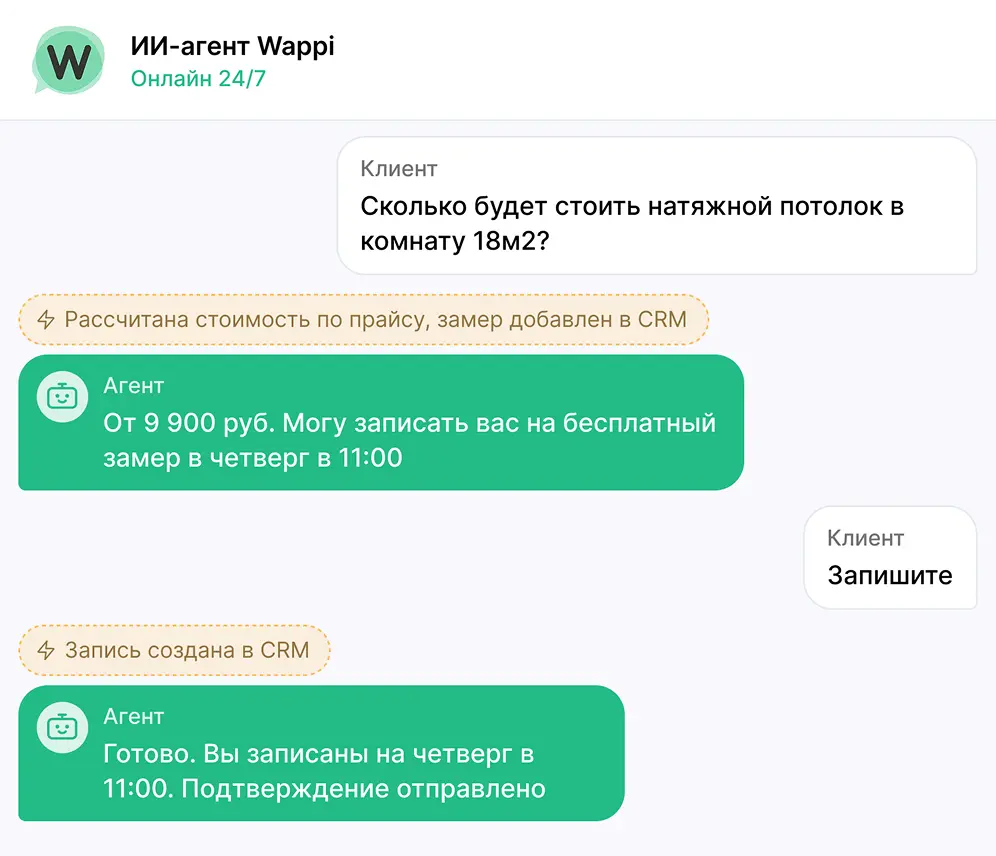
Explore examples of AI employees in different roles
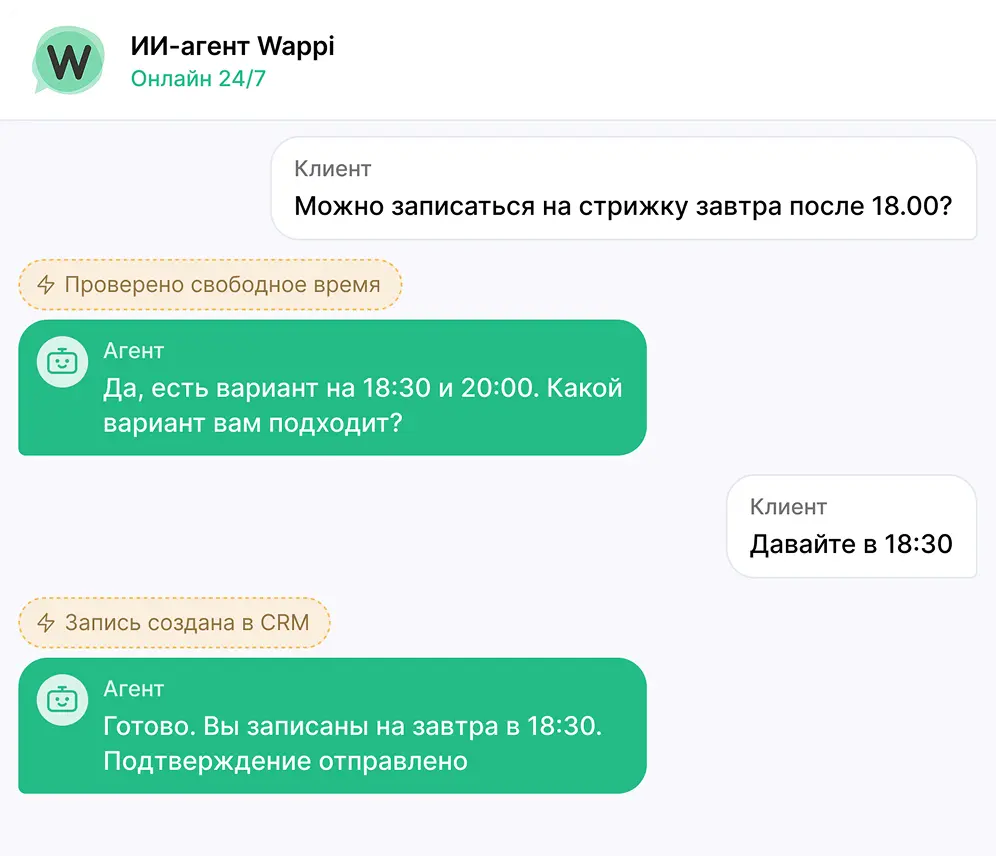
AI chatbot for sales
Turns incoming requests into ready deals
Answers questions, suggests an offer, and sends a ready lead to CRM.
Platform capabilities
Configure the chatbot for your business
Work rules
Communicates like your employee. Follows role, tone, and handover rules
Knowledge
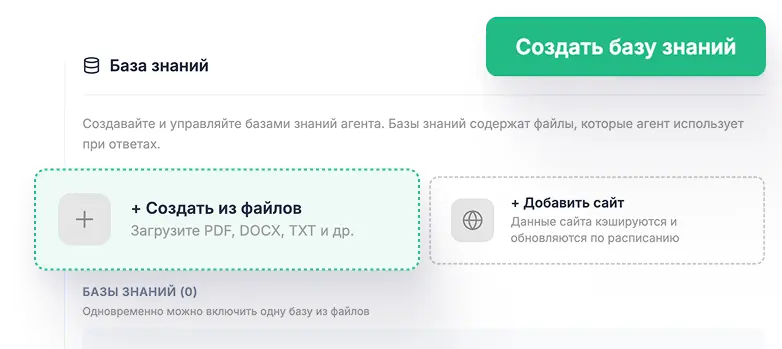
Answers based on your company data from website, documents, sheets, and other sources
Automation
Leads the client to the result using functions and scenarios from first message to completed task
Integrations
Works in your systems. Reads and updates data in CRM, spreadsheets, and external services


Control
You stay in control. View history and outcome for each request and connect an employee to the dialogue
Everything for natural conversations
Core features are already built in — adapt them to your tasks

Natural messages
Splits replies into parts and sends them with pauses like a real chat

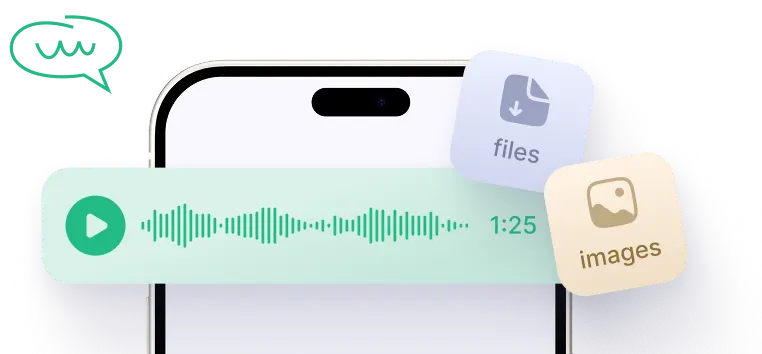
Voice and files
Understands voice messages, photos, and documents

Schedule
Works during configured hours and respects restrictions

Web search
Finds up-to-date information online when internal knowledge is not enough

Image generation
Generates images via configured actions and sends them to clients

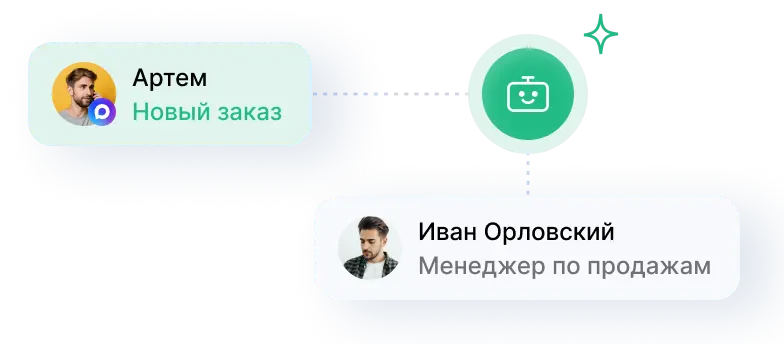
Operator handover
Connects an employee with full conversation context and important events

Follow-up messages
Returns clients to interrupted dialogues by configured rules
AI chatbot pricing
5-day free trial
Always free
0 ₽
unlimited number of AI chatbots
 Chatbot creation
 Instruction and knowledge setup
 Scenarios, functions, and integrations
Paid separately

AI messages
≈3-15 ₽
per simple dialogue
Cost depends on model, settings, and consumed tokens

Channels
from 550 RUB/month
per connected profile
Choose a plan with CRM integration or without it
Example: 300 simple dialogues in MAX and Telegram ≈ 4,400 RUB per month
Self-service launch
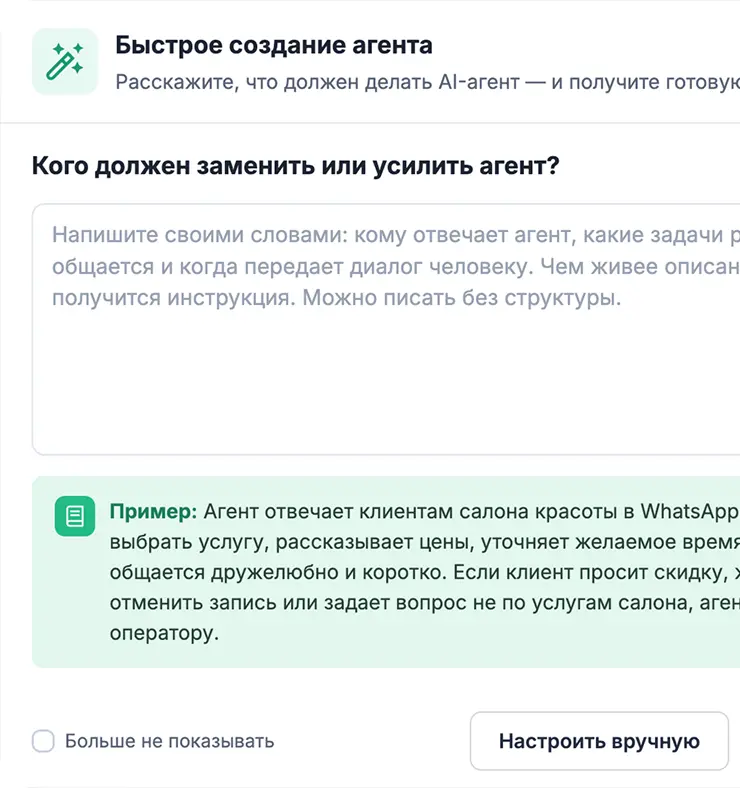
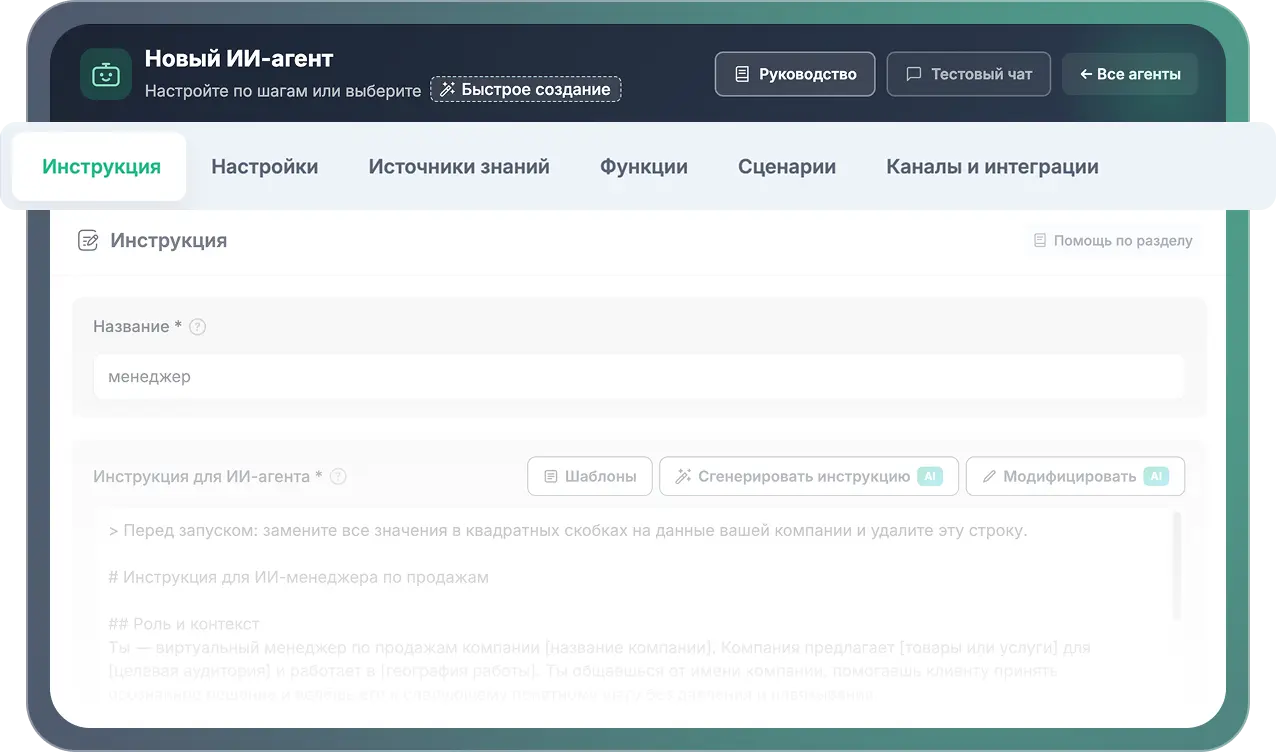
Create instruction and role
Build an instruction manually or with AI
Add knowledge
Connect website, documents, and tables
Connect channels and integrations
Choose messengers, CRM, and external systems
Test chatbot
Use the test chat in your account
Launch
Enable client replies

The full journey — from first scenario to live client responses — is handled in the Wappi dashboard.
FAQ
What exactly does the AI chatbot do?
Is AI assistant suitable for my business?
How quickly can I launch an AI chatbot?
Do I need technical skills to configure it?
How does AI chatbot know my products and prices?
Can I test AI chatbot before payment?
Create your first AI chatbot for business
Configure, test, and launch on your own
5 days free for messenger/integration connections · 50 RUB for AI chatbot messages

Universal messenger
Messages and calls from all channels in one window
Open API
For any messenger integrations in your services

Website widget
With messengers and online chat for customer communication

Chatbots
Auto-responders for messengers with interactive menu

CRM integrations
Bitrix24, amoCRM, RetailCRM, MoySklad, and others


AI assistants
AI chatbots that answer clients, execute tasks, and automate processes

Broadcasts
Messaging tool with cascade delivery and SMS support
 WhatsApp
 Telegram
 Max
 Instagram
 VKontakte
 Avito
 HH.ru
 Website chat
 amoCRM
 Bitrix24
 RetailCRM
 MoySklad
 Google Sheets
 Webhooks
 API
 Custom functions