from 1350 RUB/month

Telegram Integration for Kommo

Message clients first and chat from Kommo via Telegram without limits

Try for free

5-day trial period

Интеграция Telegram для KommoИнтеграция Telegram для Kommo

Telegram in Kommo

Easy integration

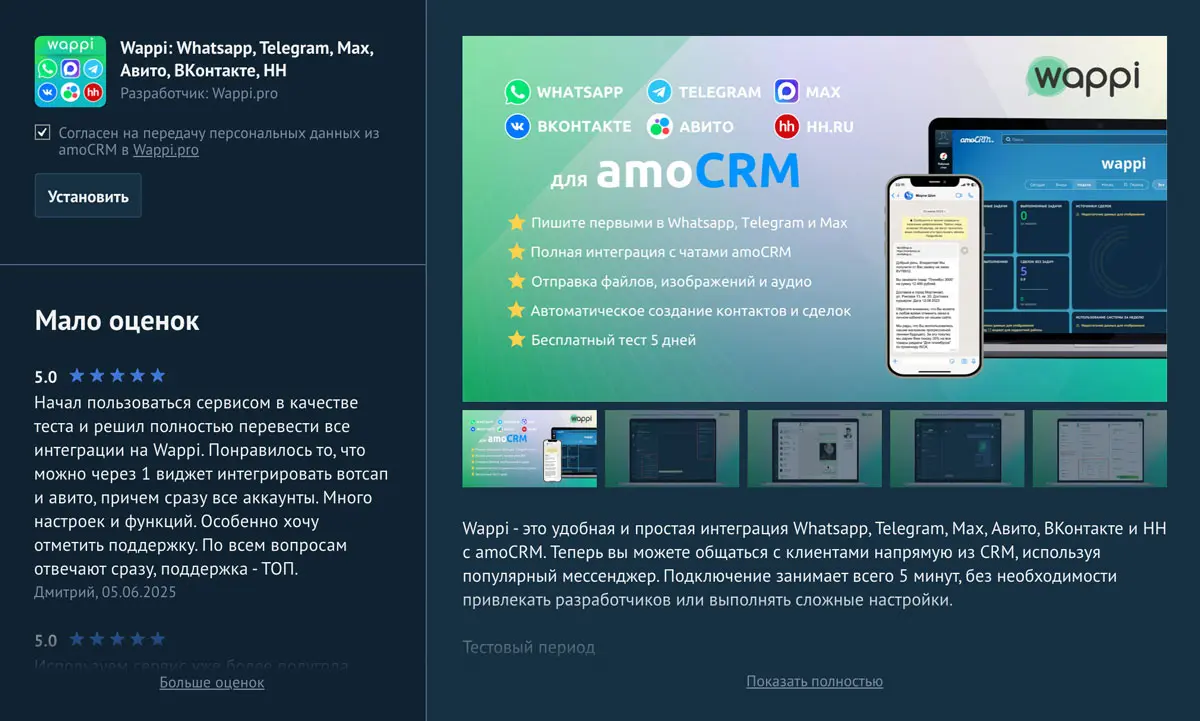
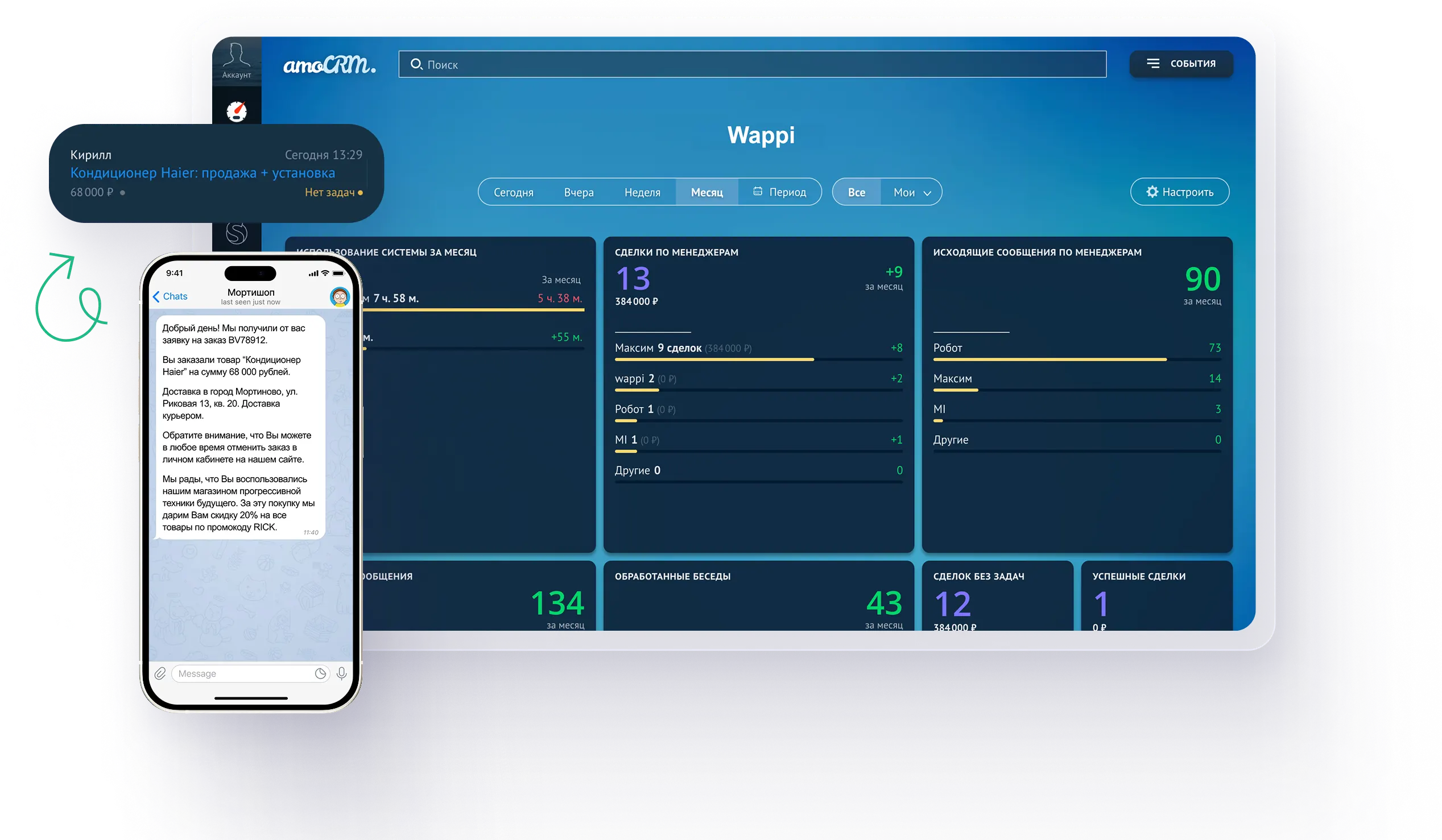
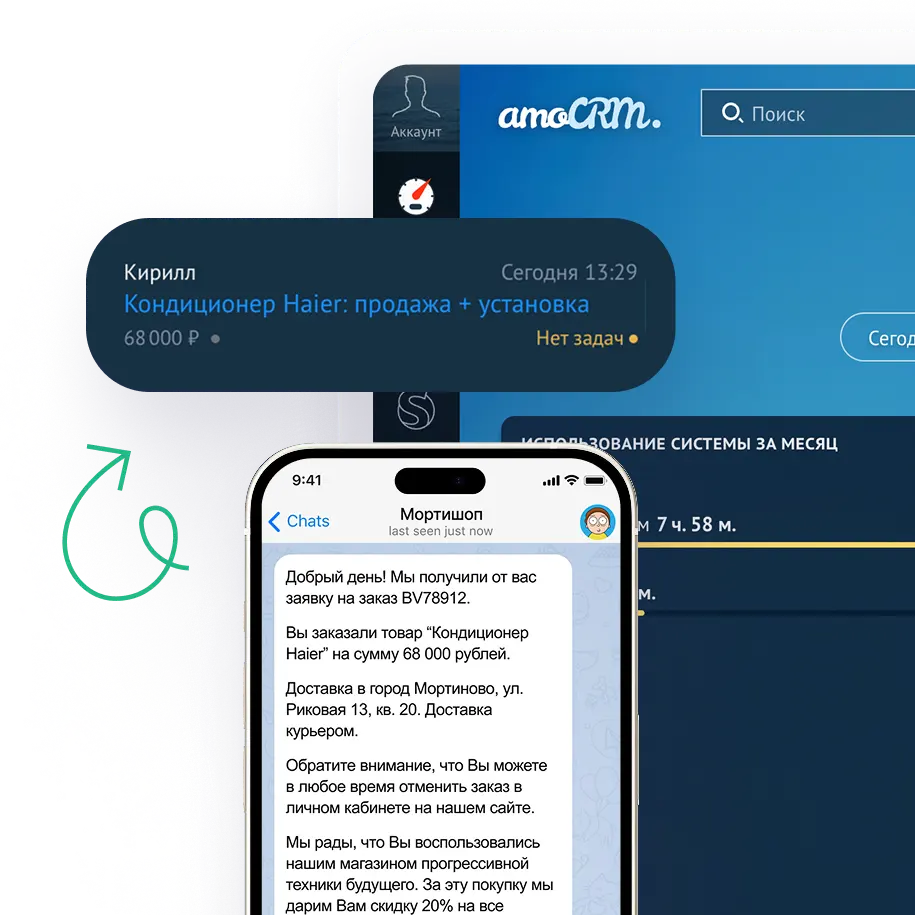
Simple and convenient Telegram integration with Kommo. Talk to your clients directly from Kommo in this popular messenger. Setup takes about 5 minutes and does not require developers.

Just sign up for Wappi to start a free trial and evaluate all service benefits!

Wappi in Kommo supports messengers

Integration capabilities

Message first in Telegram

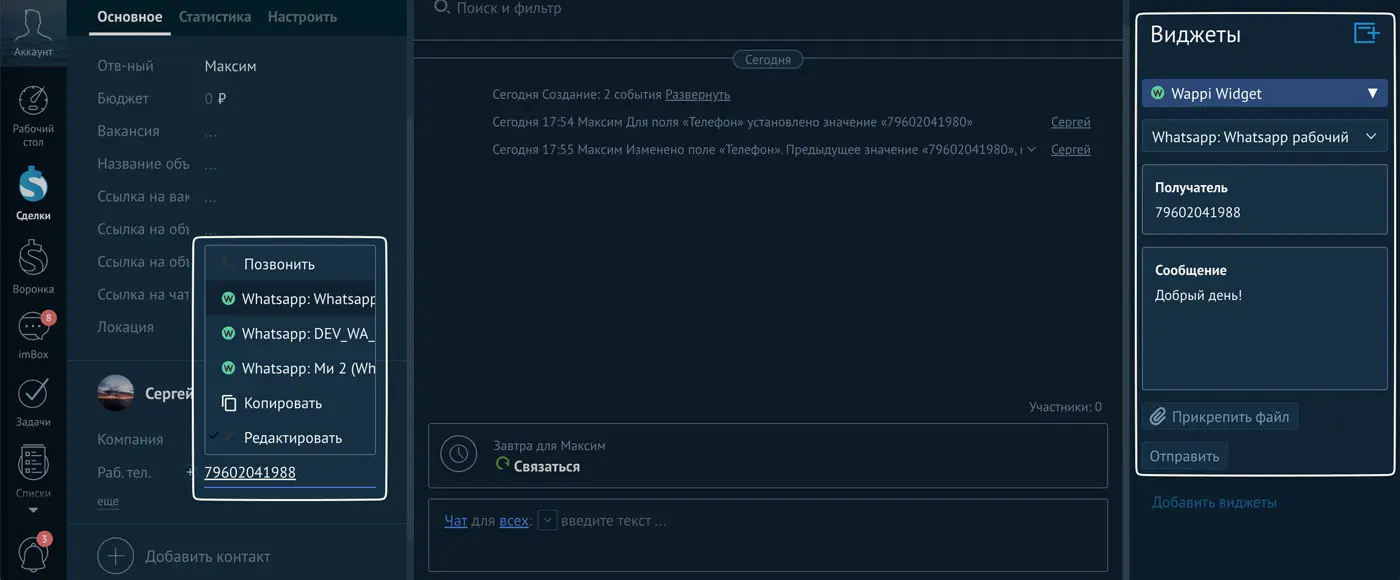
You can send the first Telegram message. To do this, you need the recipient's phone number and matching privacy settings, or the @username.
Messenger aggregator

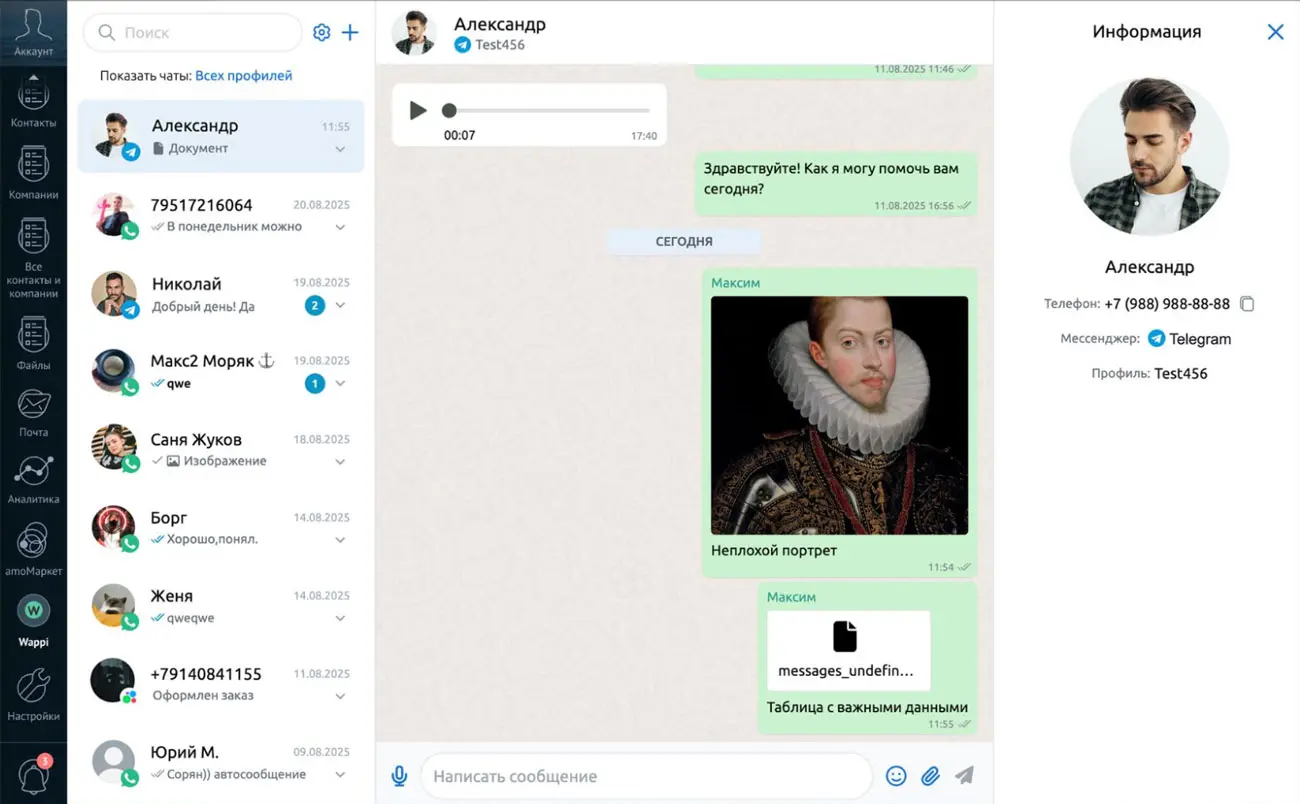
Receive messages from all channels in one window and reply faster in the messenger your client prefers

Group chats

Chat in Telegram group chats directly from Kommo

Send and receive media

Send and receive any images, documents, files, audio, video, and voice messages

Connect personal Telegram

Link your personal Telegram account by phone number

or Telegram bot

Ability to connect a Telegram bot by token

Automatic deal creation

When a new customer sends an incoming Telegram message, a contact and deal are created in Kommo

Bulk messaging
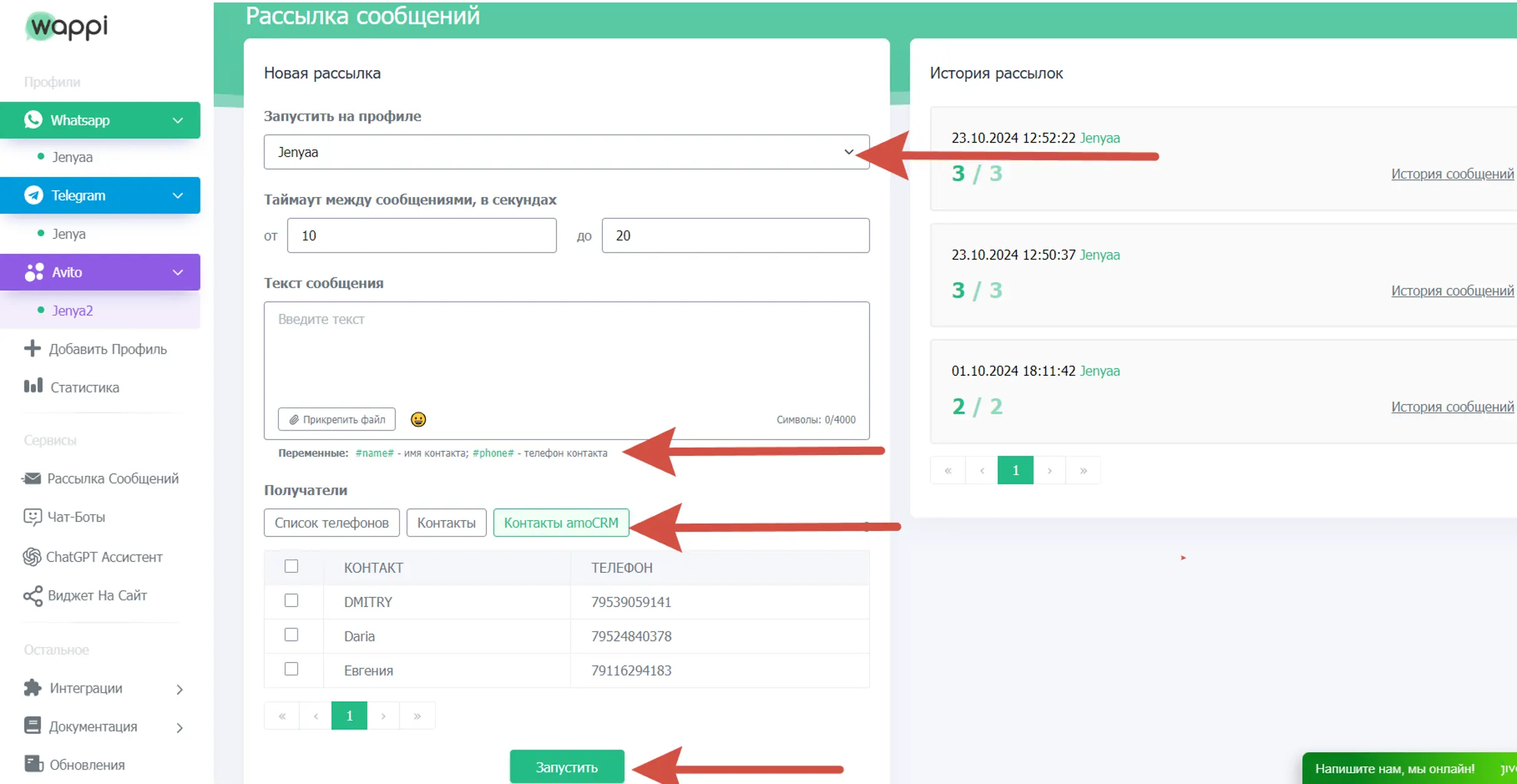
Send messages to selected Kommo contacts. Use variables from contact cards inside message text

Additional capabilities

  • Salesbot support
  • Connect multiple numbers
  • Unlimited messages
  • All chats are stored in CRM
  • Pipeline setup
  • Message delivery and read status
  • Blacklist
  • Missed call notifications
  • Access settings

Integration setup

Connect Telegram to Kommo in 5 minutes without complex setup

Step 1

Install the app

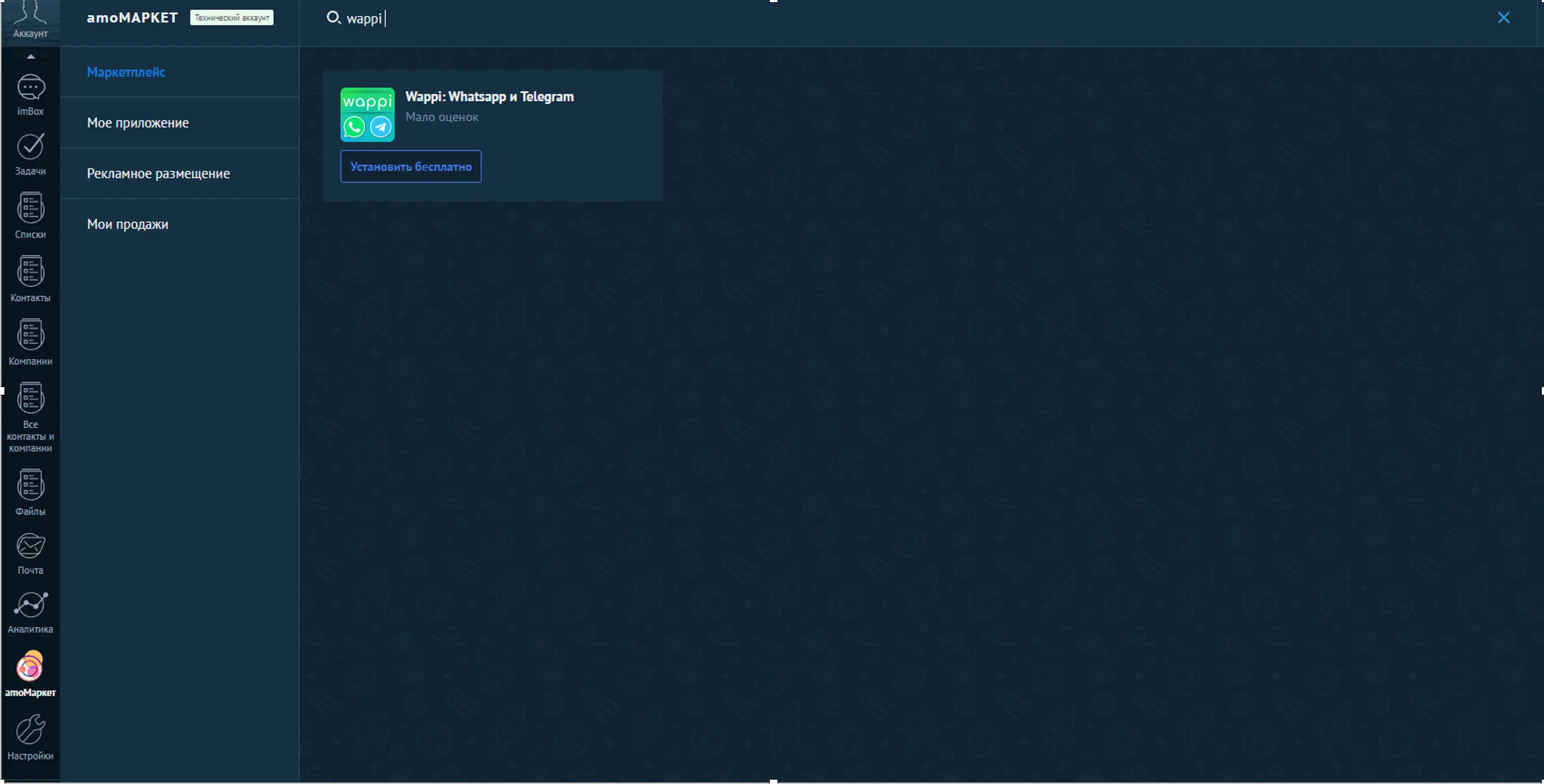
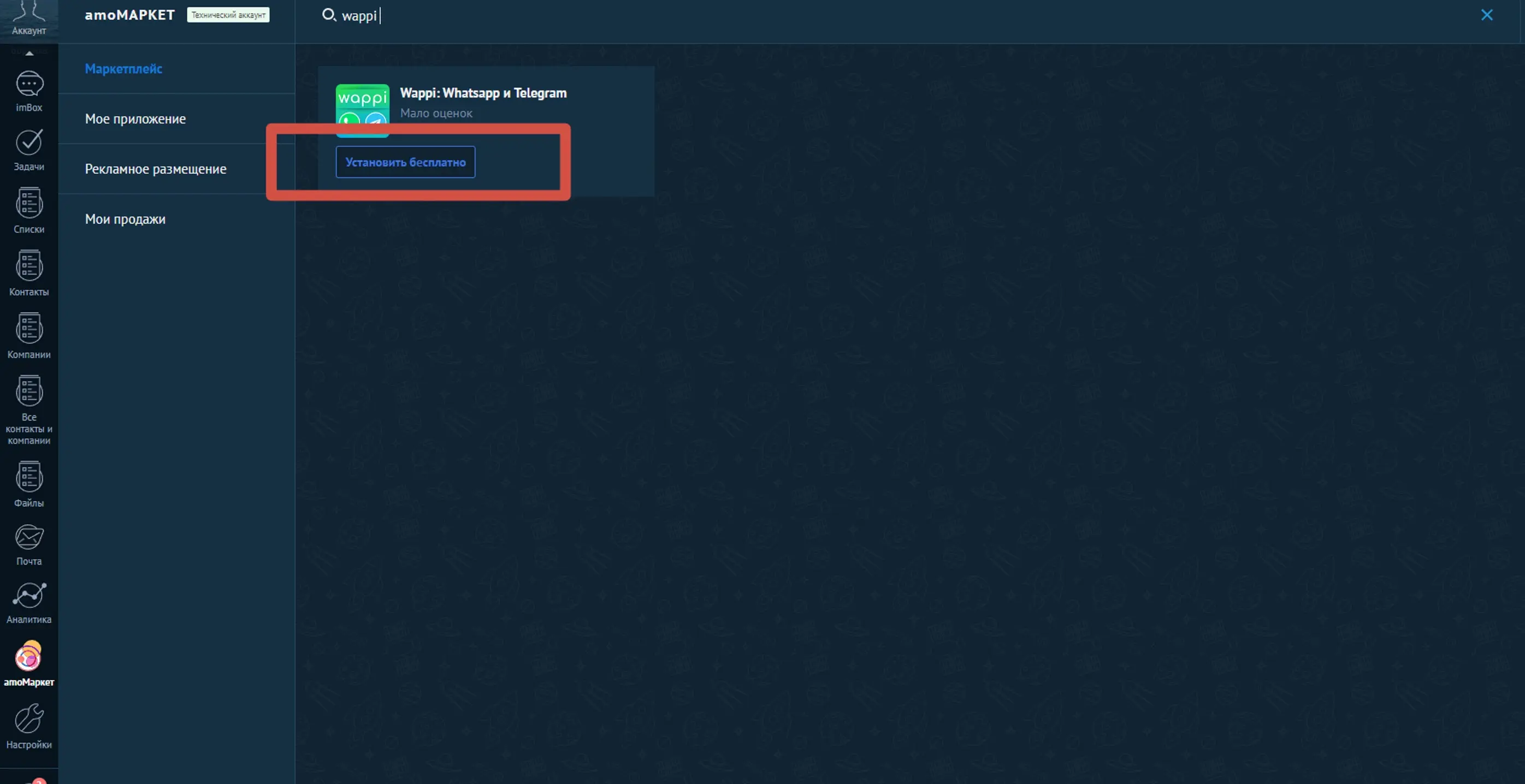
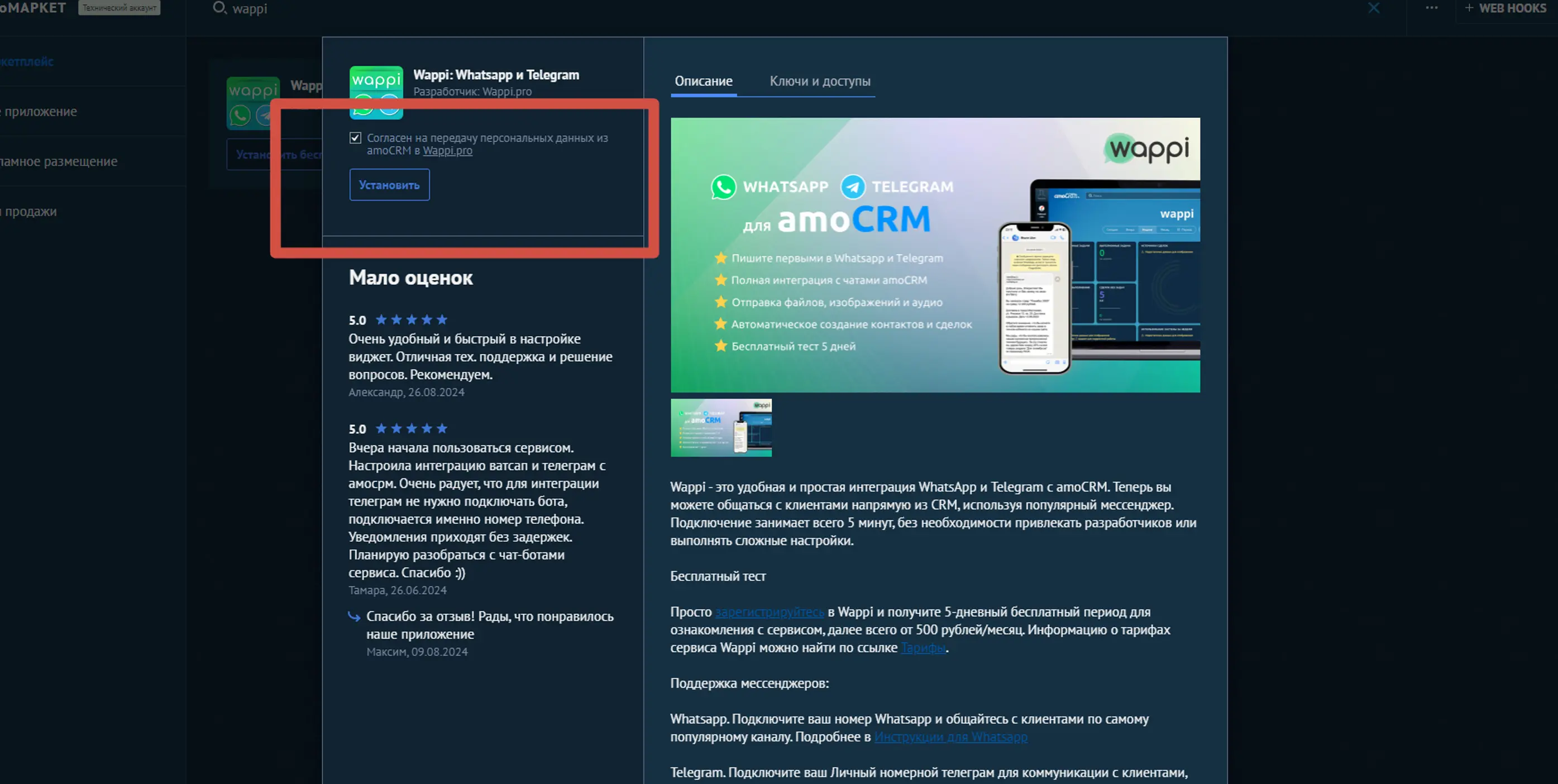
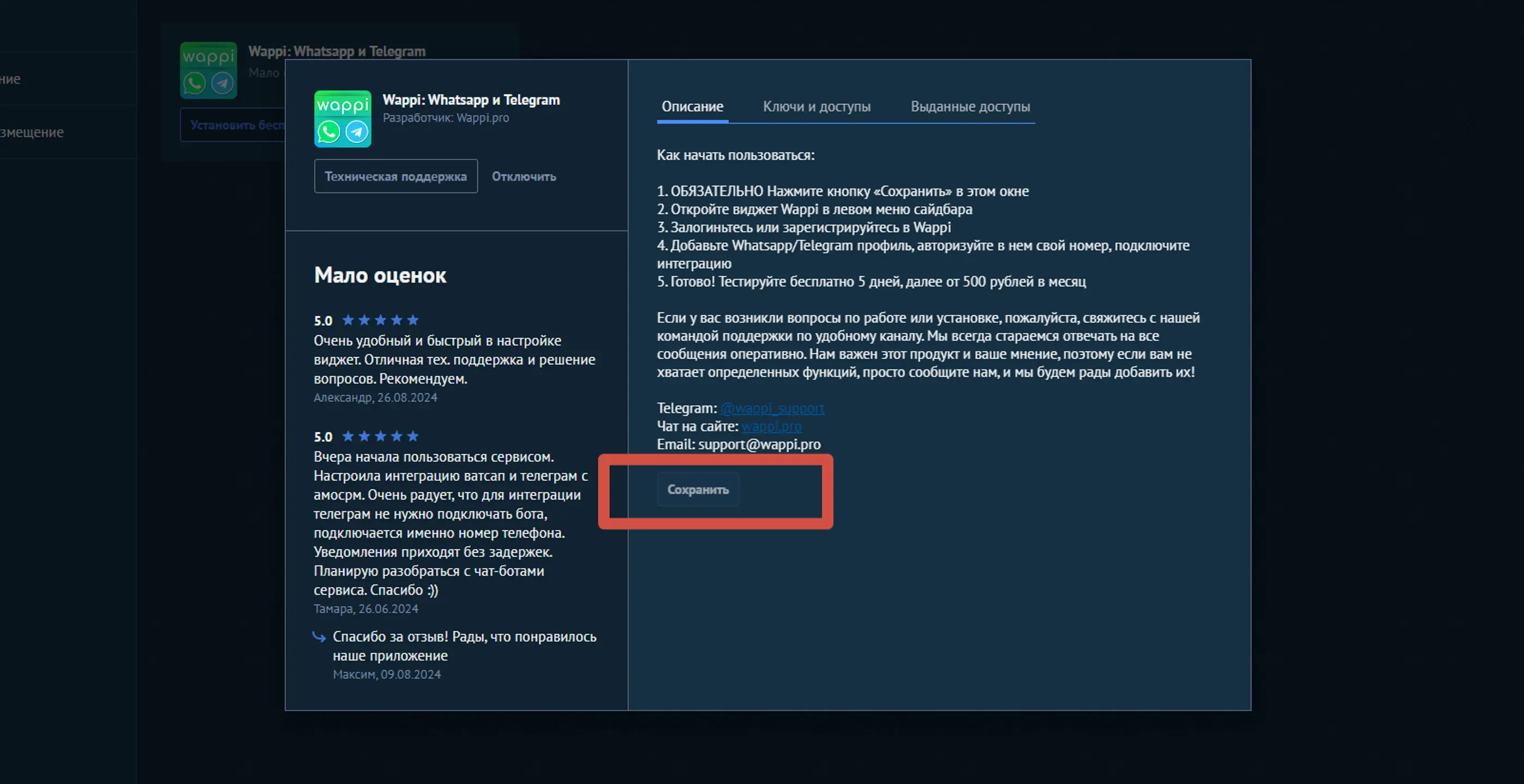
Go to amoMarket in Kommo. Search for Wappi -> click Install for free -> click Save

Step 2

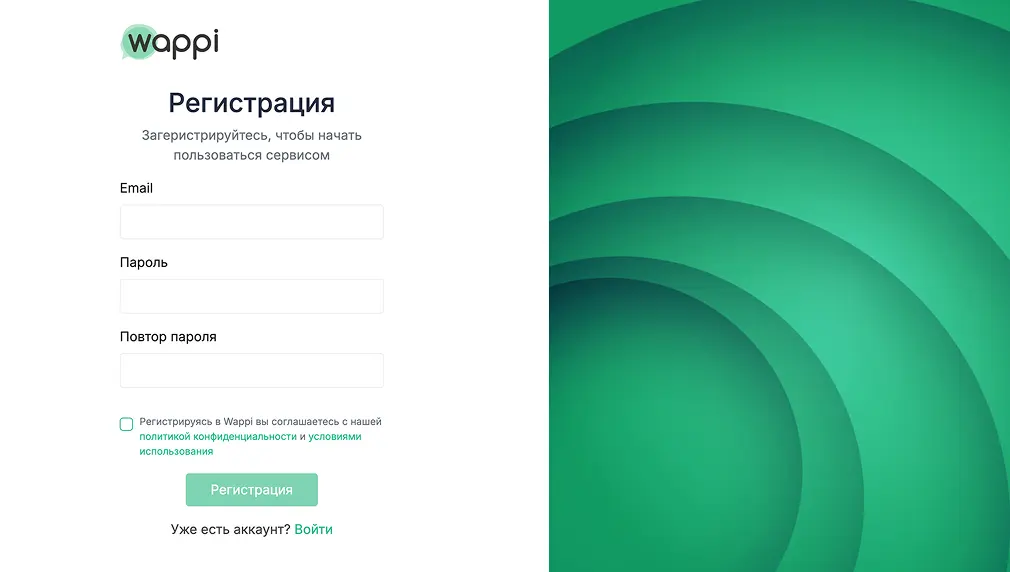
Sign up

Sign up at Wappi.pro and connect your Telegram number

Sign up
Step 3

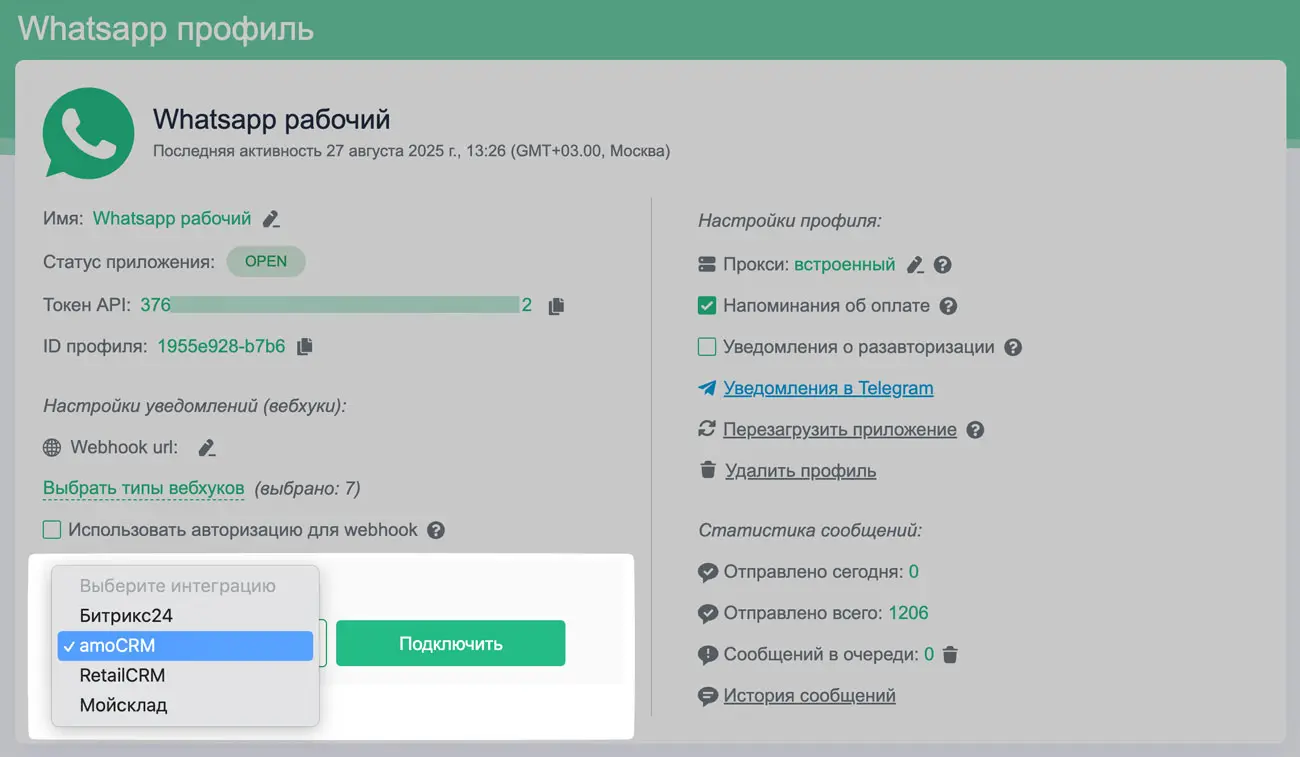
Connect Wappi and Kommo

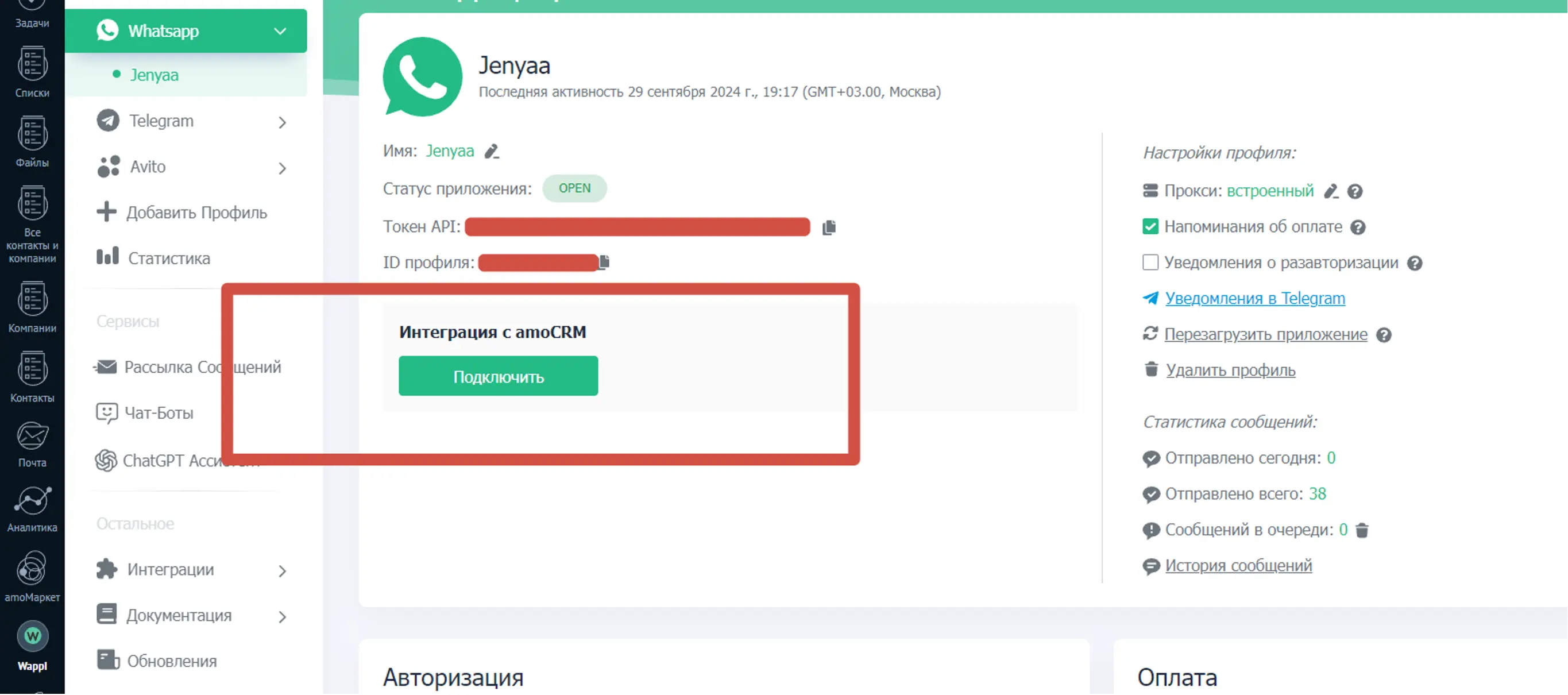
Choose the required Telegram profile, select Kommo integration, and click Connect

Pricing for Kommo

Free 5-day trial period for each messenger

  • Whatsapp
  • Telegram
  • Telegram Bot
  • MAX
  • MAX Bot
  • Avito
  • VKontakte
  • HH.ru

TelegramFull

1690 ₽
1600 ₽1690 ₽
1500 ₽1690 ₽
1350 ₽1690 ₽

per profile per month

A profile is one connected messenger account. You can change numbers within one profile.
  • Unlimited messages
  • Services:
    • Messenger aggregator
    • Chatbots
    • Message broadcasts
    • AI assistant
    • Website widget
  • API:
    • Telegram API
  • Integrations with Kommo:
    • Can message first
    • Group chats
    • Salesbot support
    • Bulk messaging

Discounts for 10+ profiles

Start for free

Earn with us

Join our partner program and get additional profit:

  • Bring in clients
  • Get up to 40% from their payments

Read more here

Join now

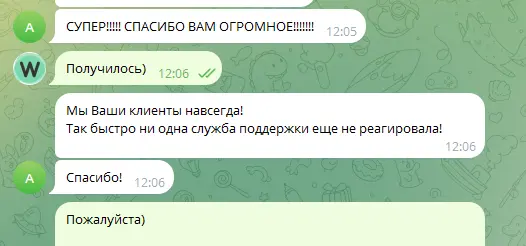
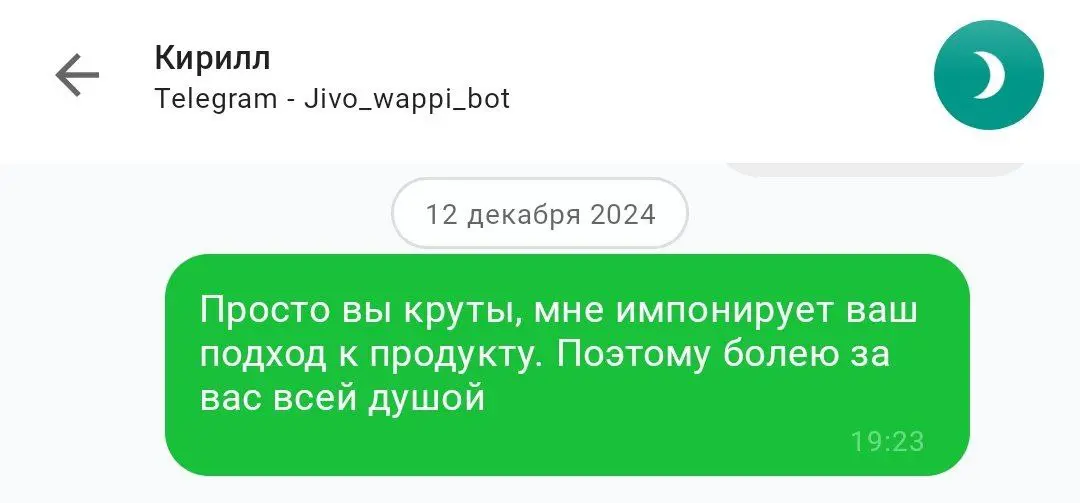
Reviews

Frequently asked questions

What capabilities does Telegram and Kommo integration provide?

The integration lets you send and receive Telegram messages directly in amo, manage contacts and CRM data, and use all Wappi services: messenger aggregator, chatbots, AI assistant, message broadcasts, and website widget.

How long does it take to connect Telegram to Kommo?

You can connect Telegram to Kommo in about 5 minutes. Sign up in Wappi and follow the prompts. If you need help, use the guides or contact our support team.

Can I connect multiple Telegram numbers?

Yes, with Wappi you can connect an unlimited number of Telegram numbers and configure integration with Kommo.

Did not find an answer to your question?

If you cannot configure integration, use ready-to-go guides or contact support

Telegram

Guide to setting up Telegram in Kommo

Install the app in Kommo

Step 1

Open amoMARKET and type Wappi in search

Step 2

Click Install

Step 3

In the popup, check the agreement box and click Install again

Step 4

In the next popup, click Save

Collapse

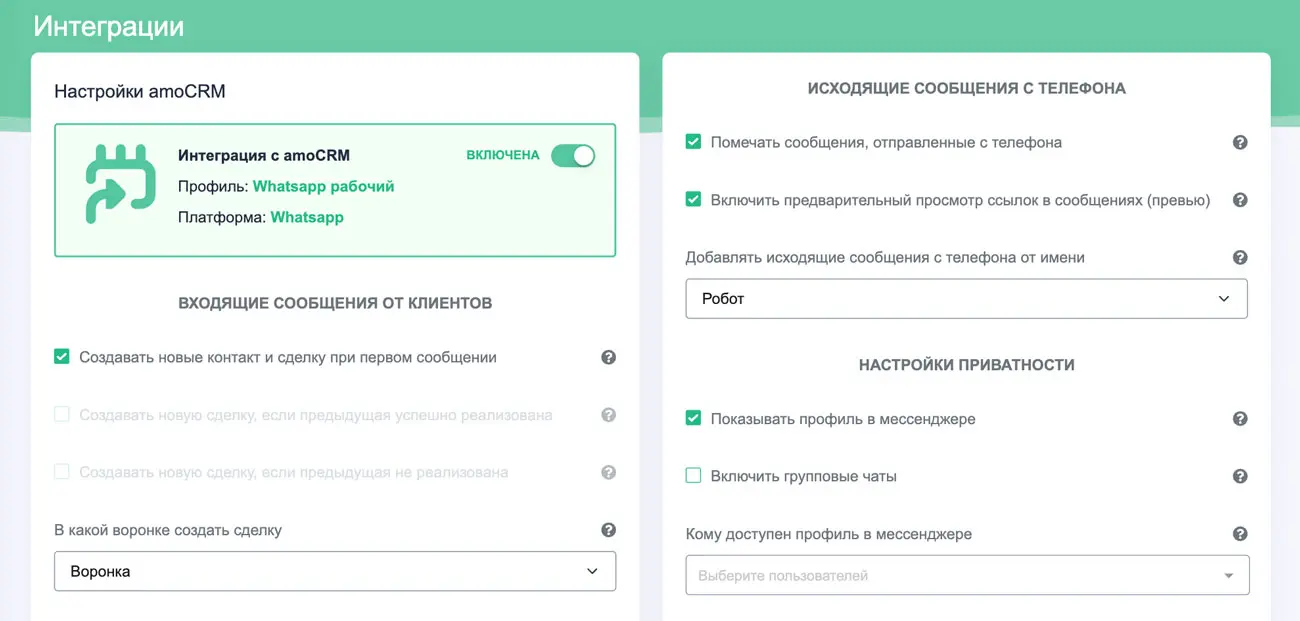
Sign up in Wappi

Step 1

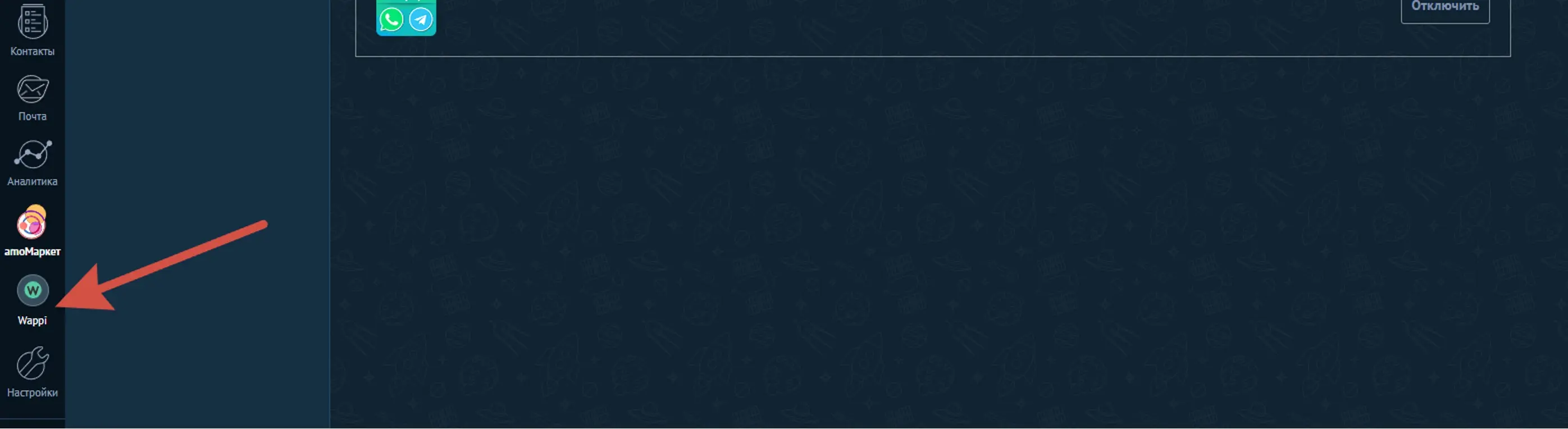
Launch the installed Wappi app from the Kommo side menu

Step 2

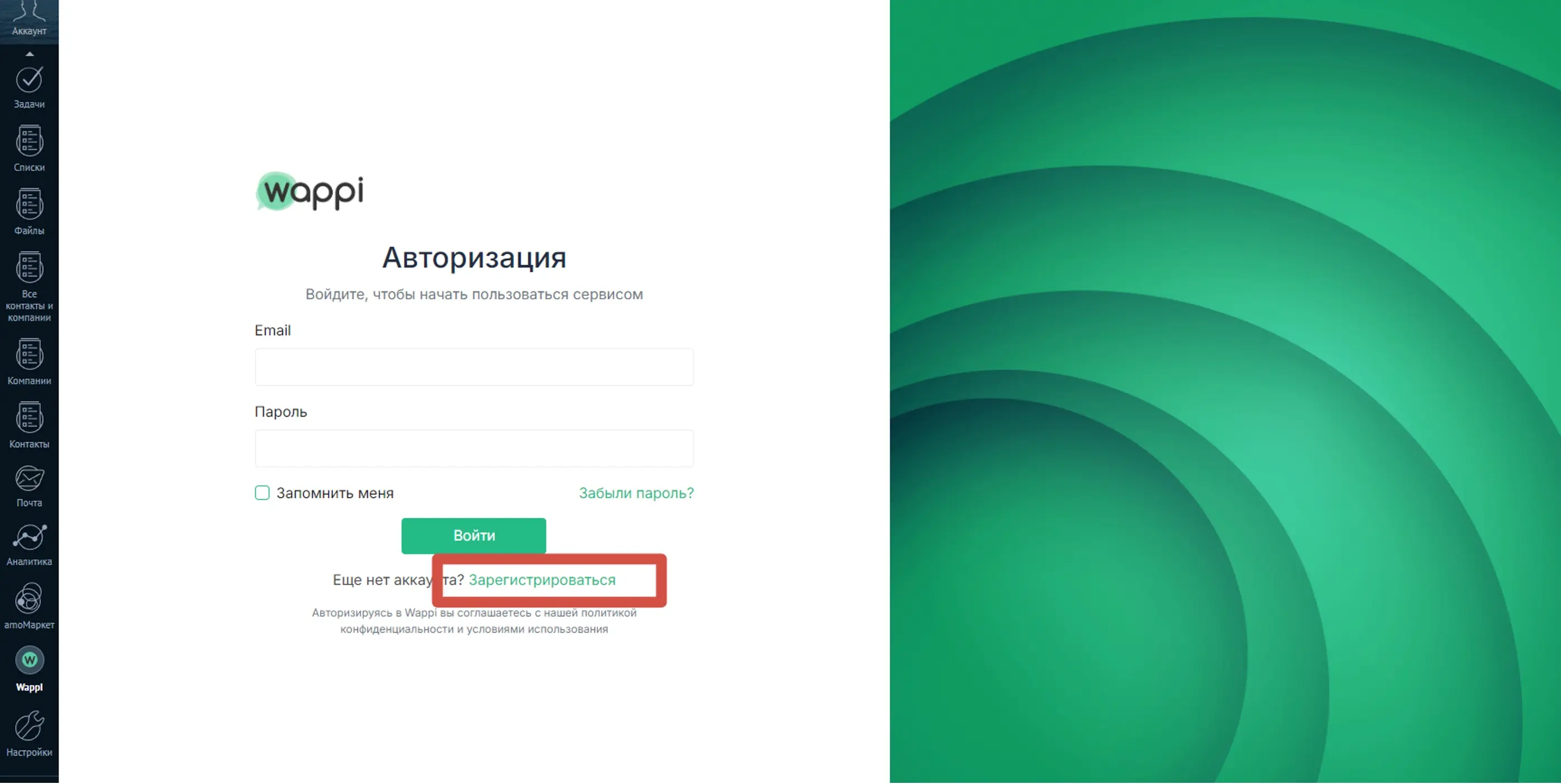
In the popup, sign up or log in if you already have a Wappi account. IMPORTANT: due to privacy policy changes in some browser versions, the app may not open. If it does not open in Kommo, go to wappi.pro

Step 3

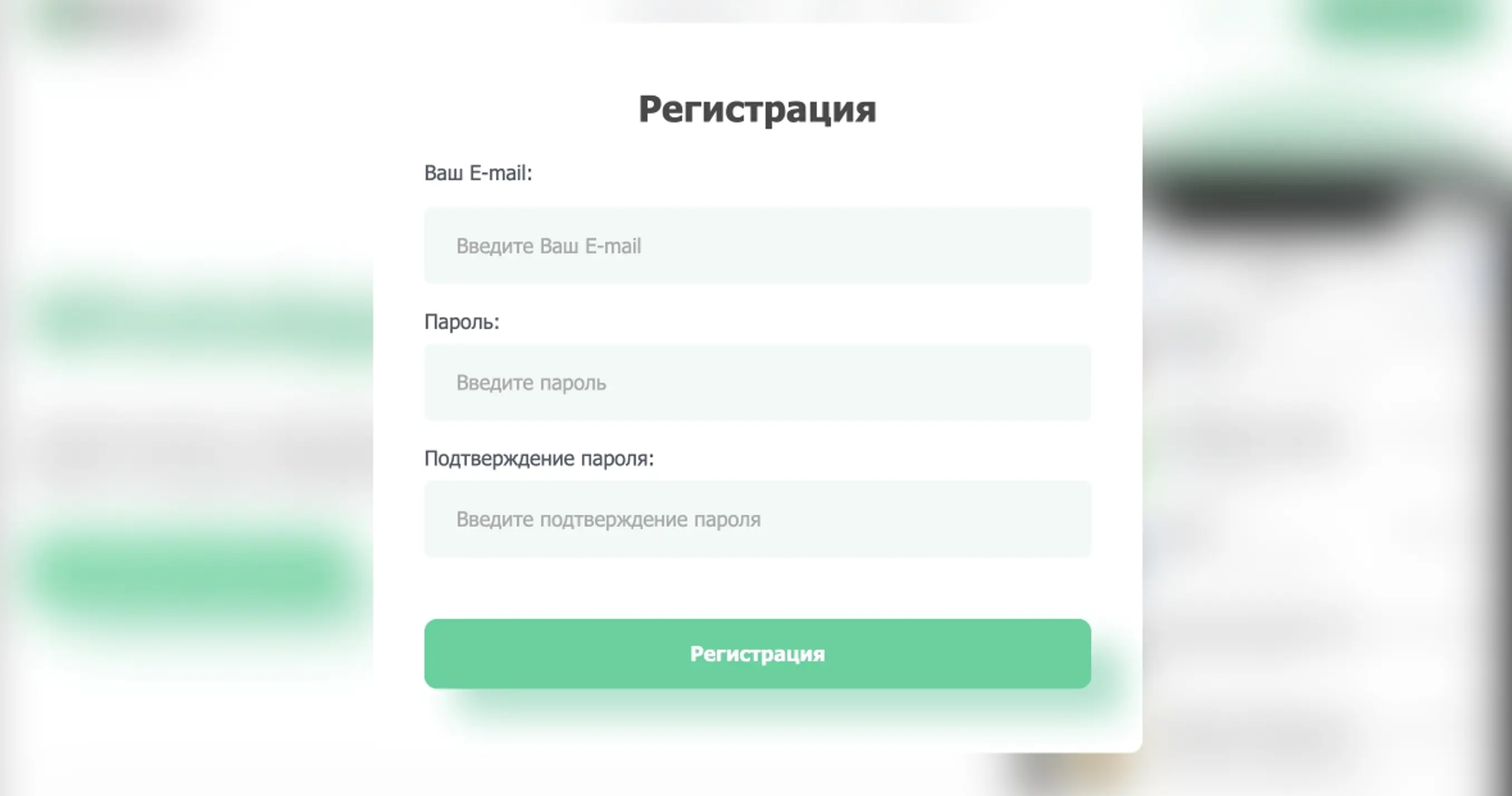
If you do not have a Wappi account, click Sign up or Registration, enter your email and create a password

Step 4

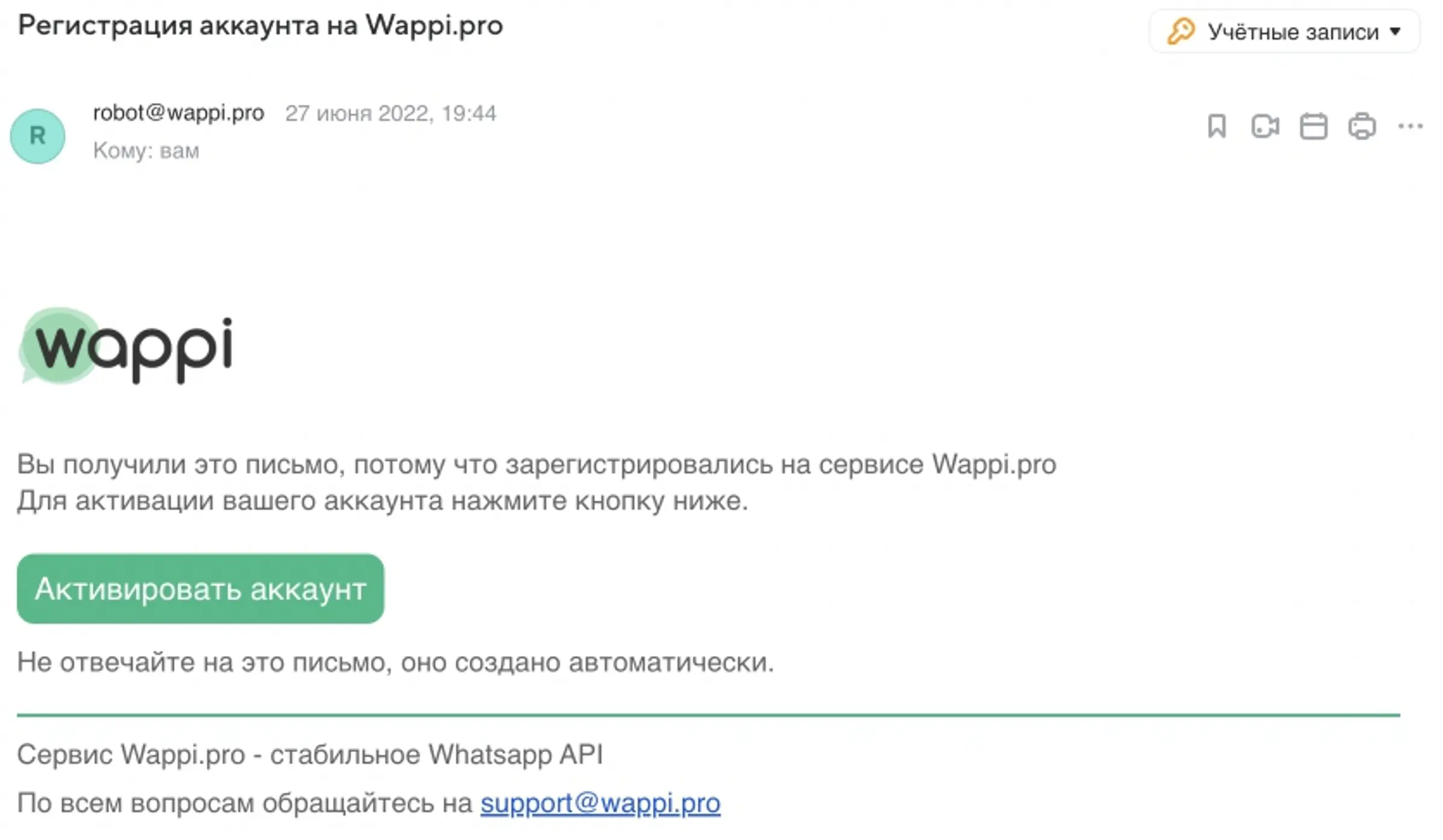
Activate your account from the email

Collapse

Connect Wappi and Kommo

Step 1

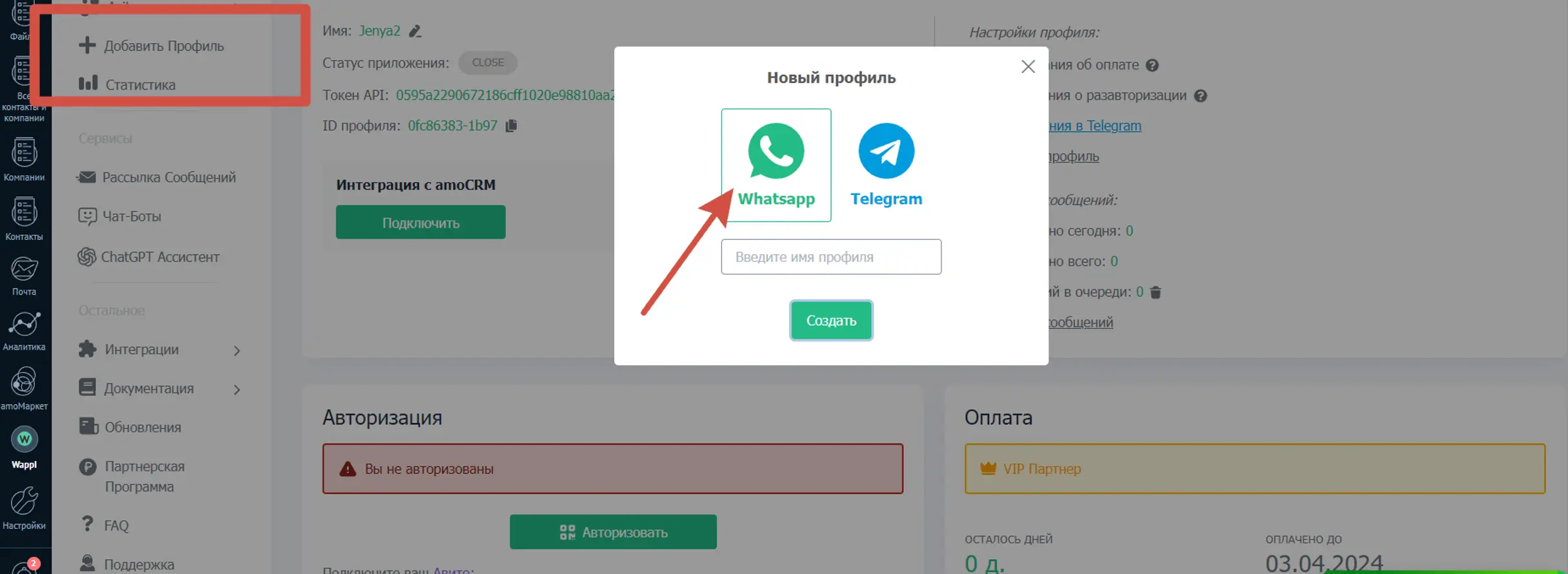
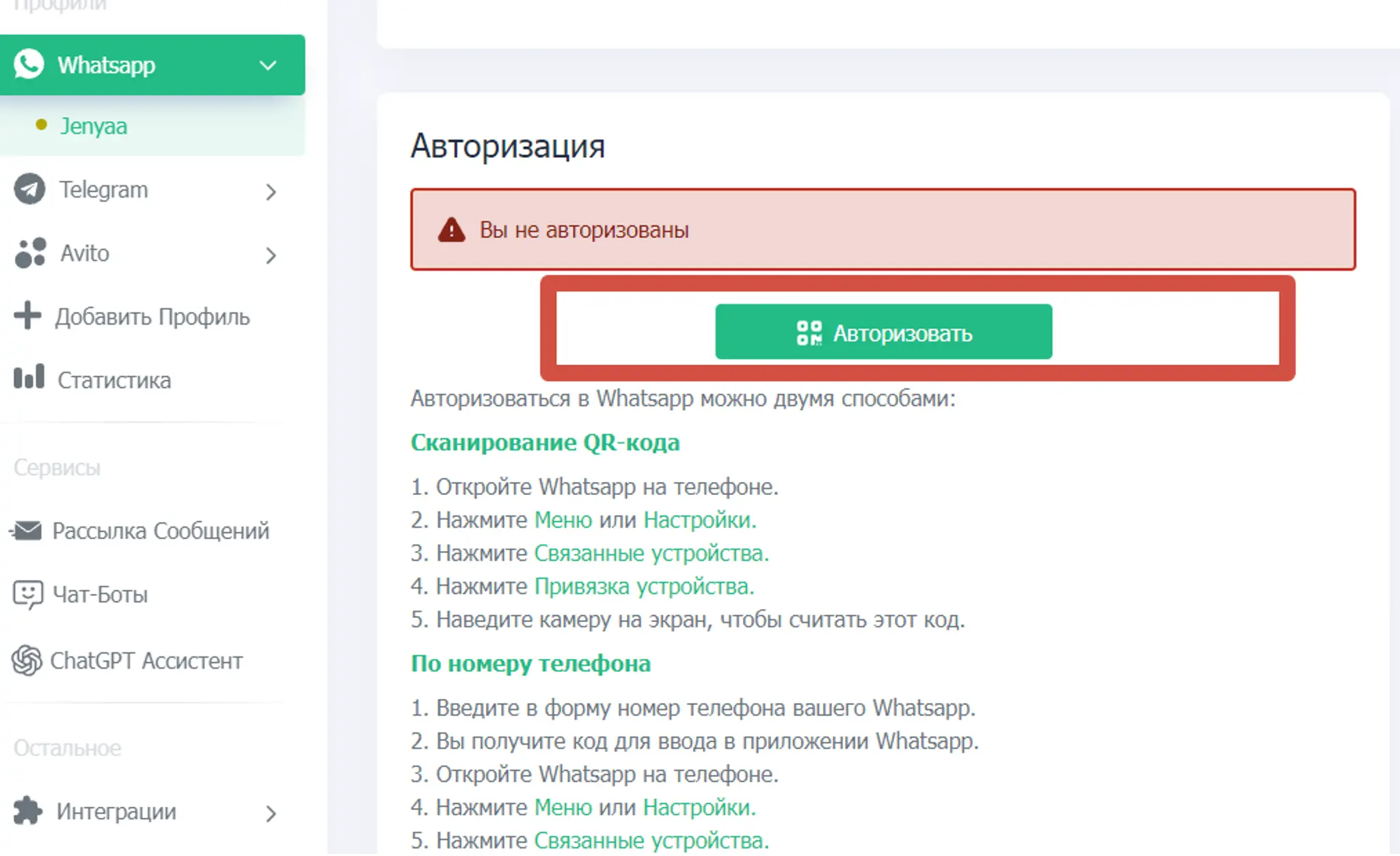
In the side menu, select Add profile, choose Telegram, enter profile name, and click Create

Step 2

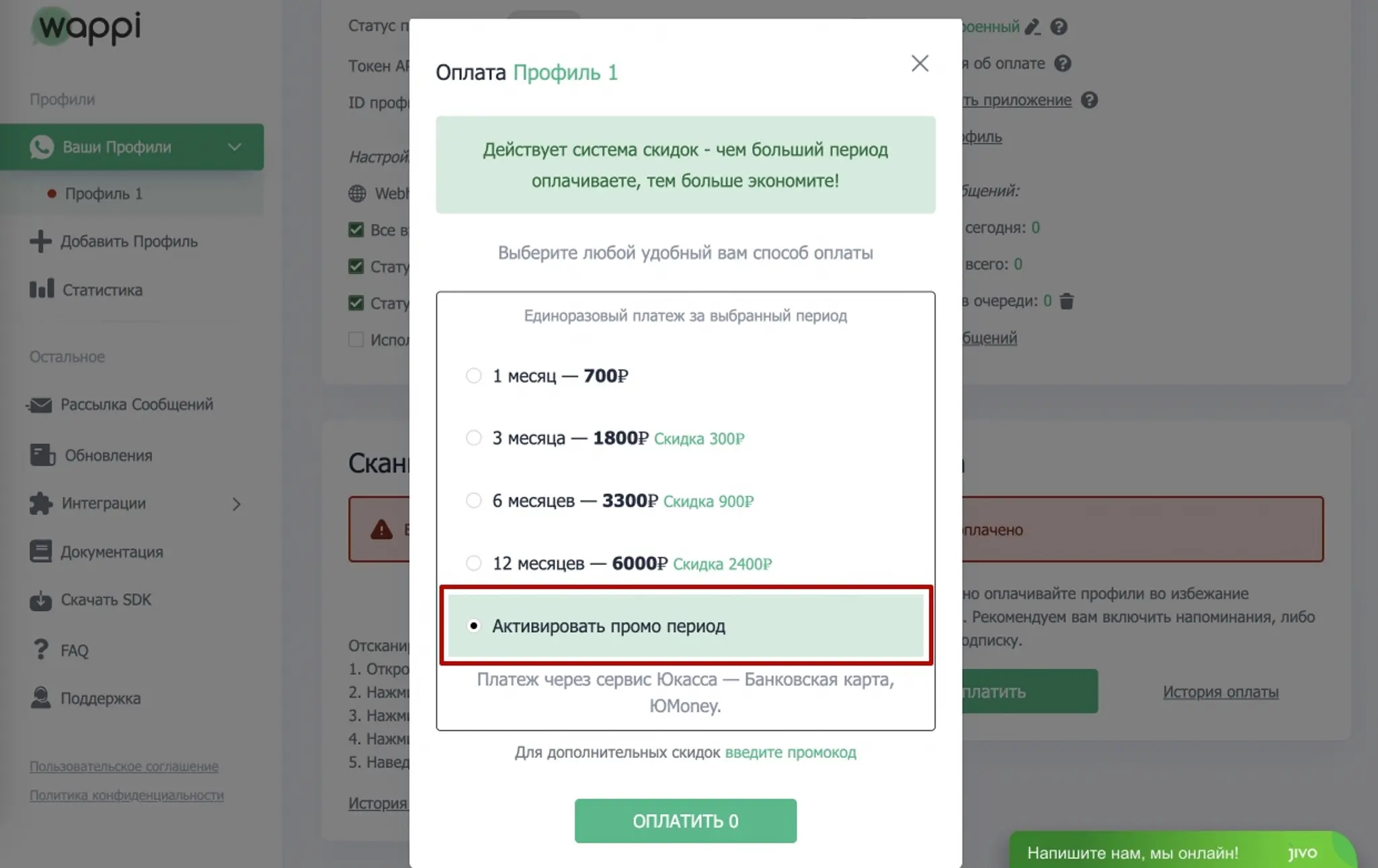
Do not forget to use the free 5-day trial period. Click Free trial, choose Activate promo period, and click Pay 0. Done

Step 3

Connect your Telegram number by following the service prompts

Step 4

Connect the profile to Kommo integration. Click Connect

Step 5

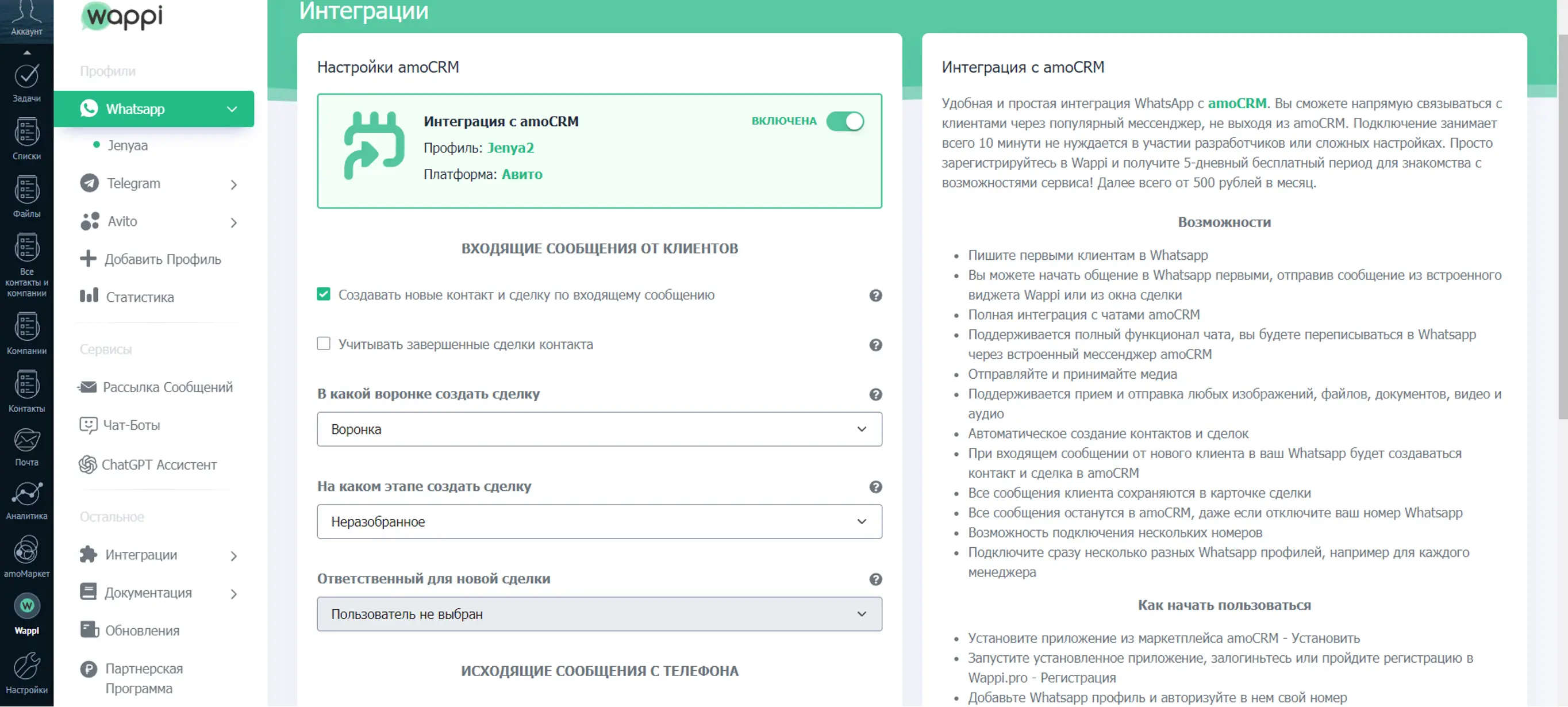
In the popup, configure Kommo integration settings (each option has a hint). Done, integration is complete

Collapse

Core capabilities

How to send the first Telegram message to a client from Kommo

Step 1

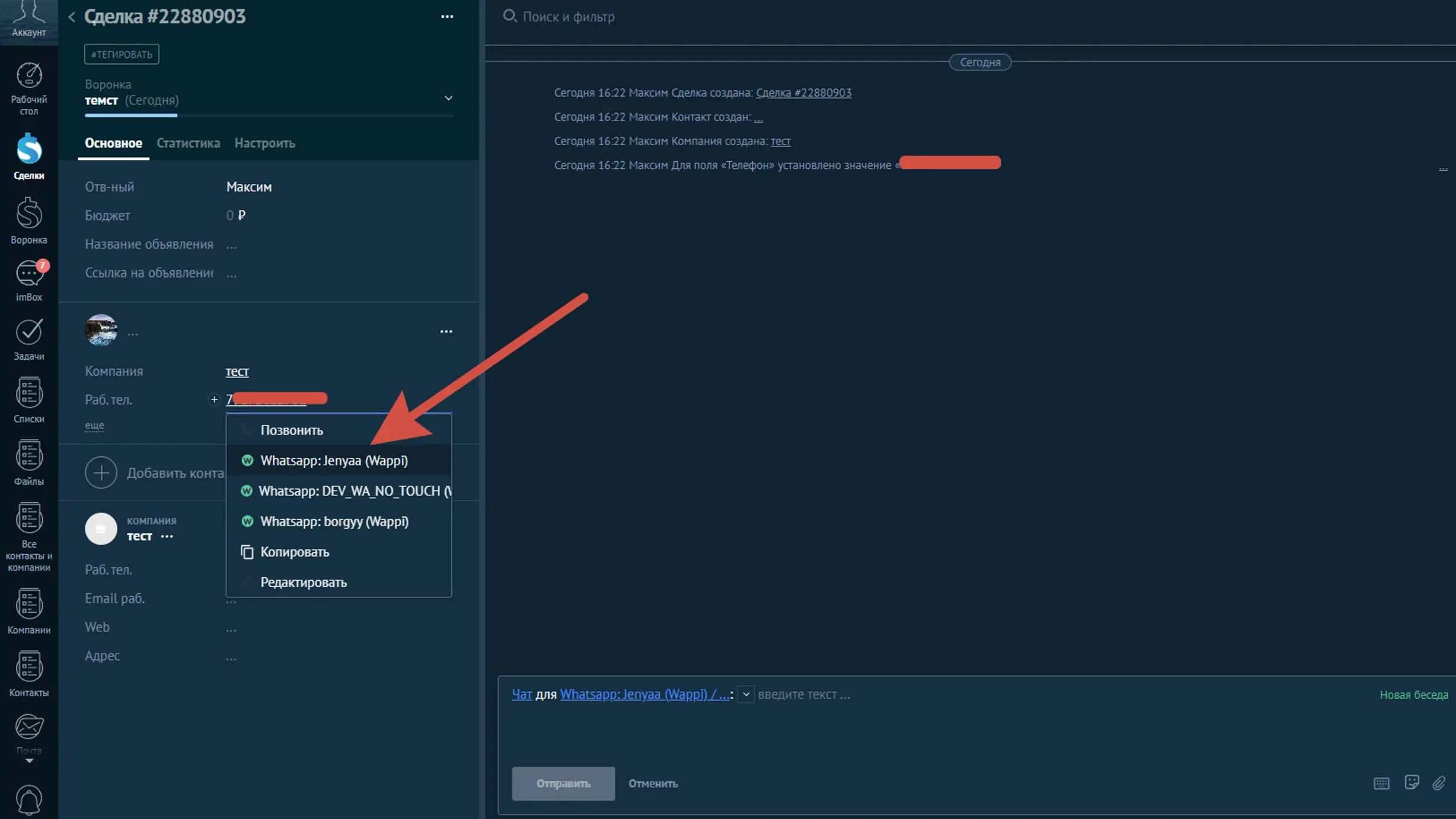
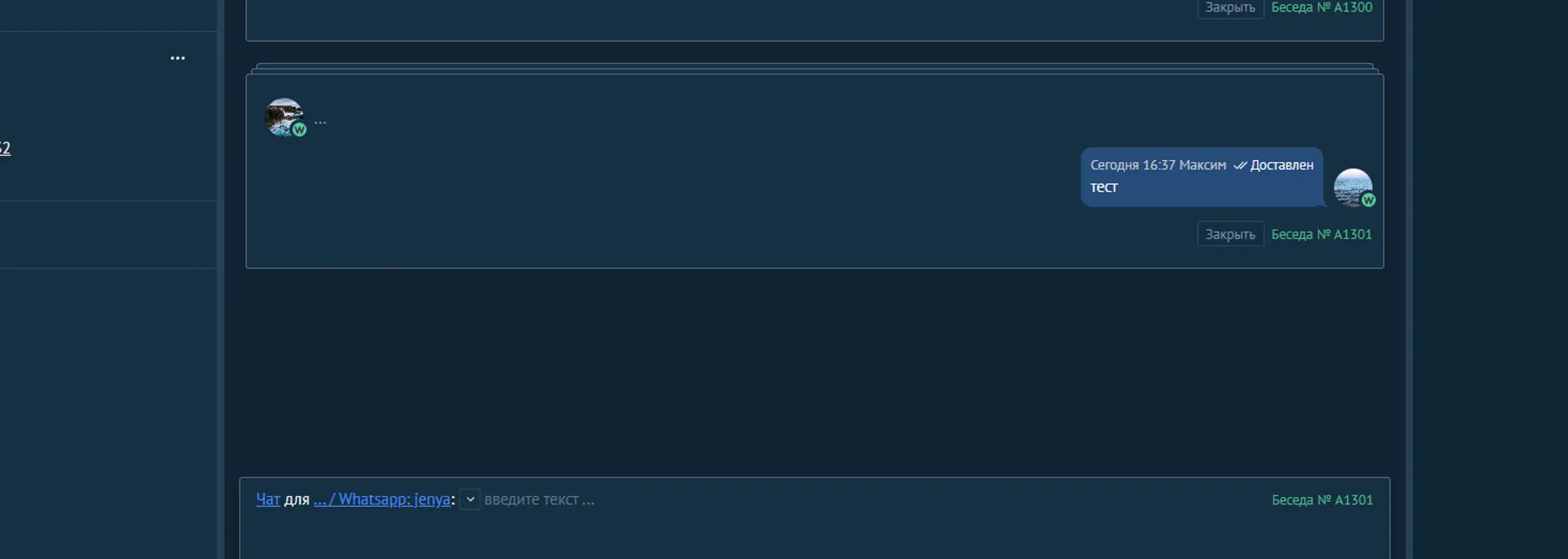
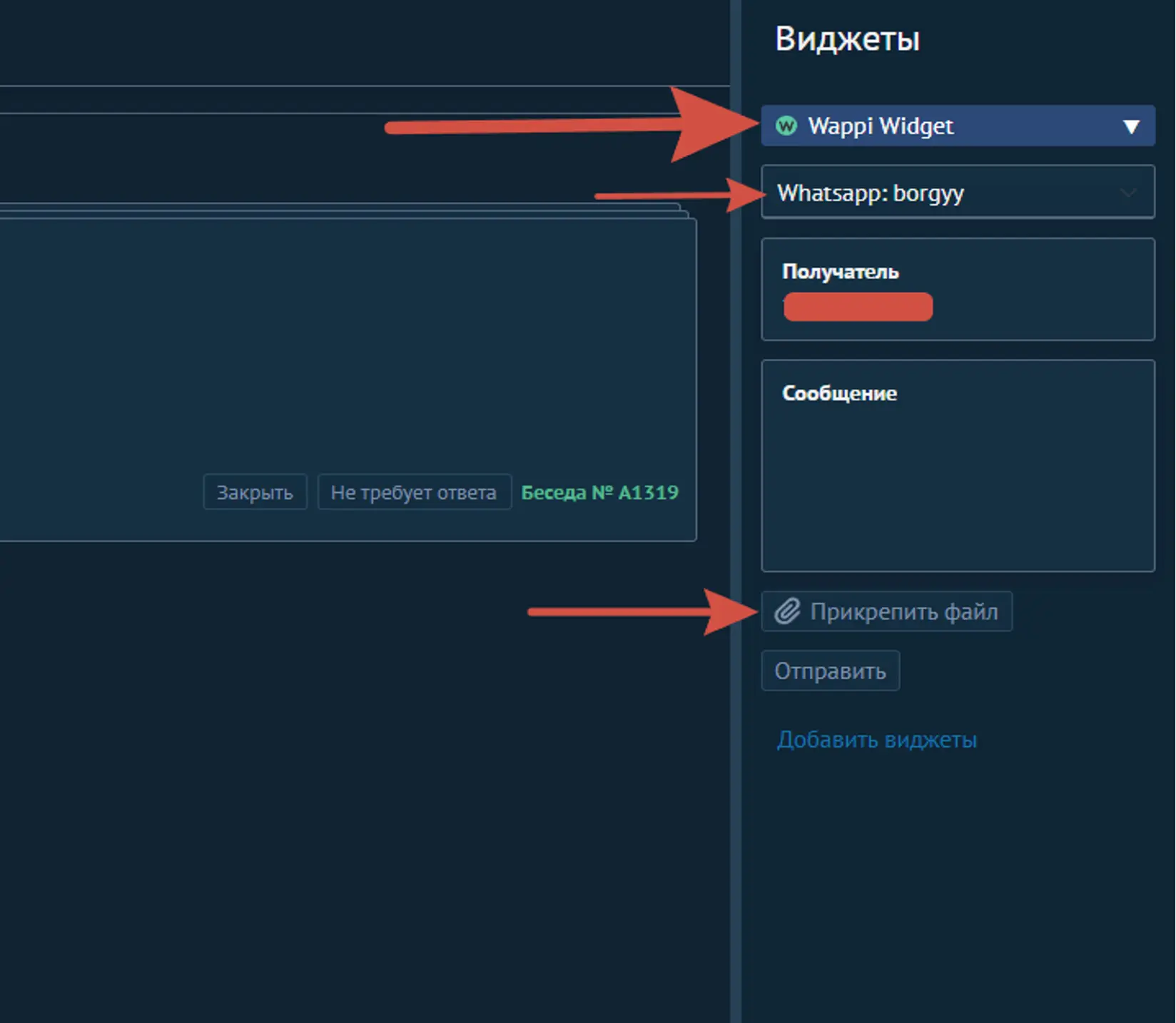
You can send the first Telegram message from a deal card. Click the phone number, choose your connected profile, and start chatting in Kommo.

Step 2

Done. The message has been sent to the client in Telegram. After the client replies, continue the conversation in chat.

Step 3

Select the profile connected to Kommo, contacts are loaded from Kommo automatically. You can use contact-card variables in message text. Click Start. Done

Collapse

How to run a Telegram bulk campaign in Kommo

Step 1

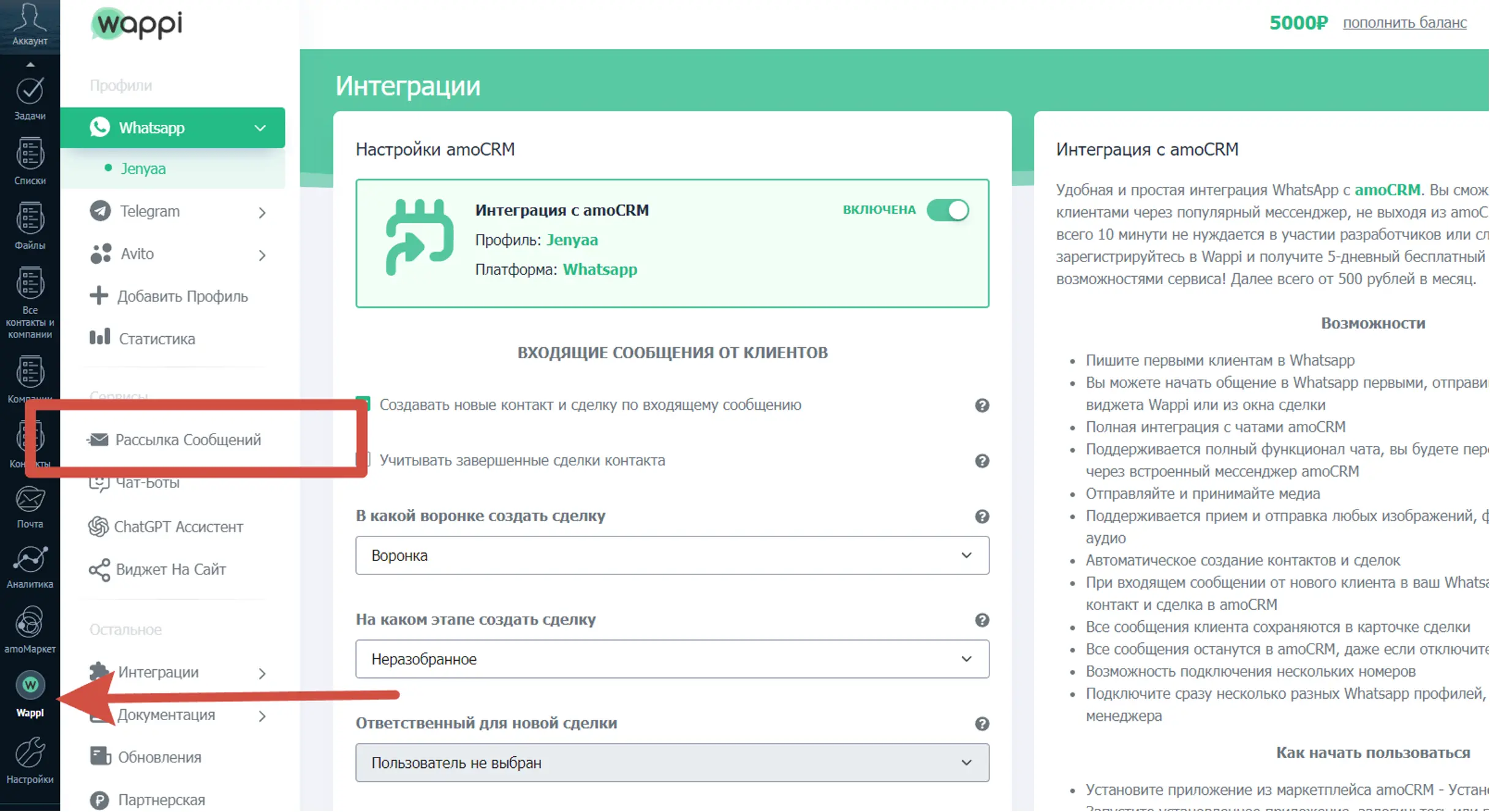
Open your Wappi account through our Kommo app or directly at https://wappi.pro/ and choose Message broadcasts in the left menu

Step 2

Select the profile connected to Kommo, contacts are loaded from Kommo automatically. You can use contact-card variables in message text. Click Start. Done

Collapse

Try Wappi for free

Trial period: 5 days on any plan